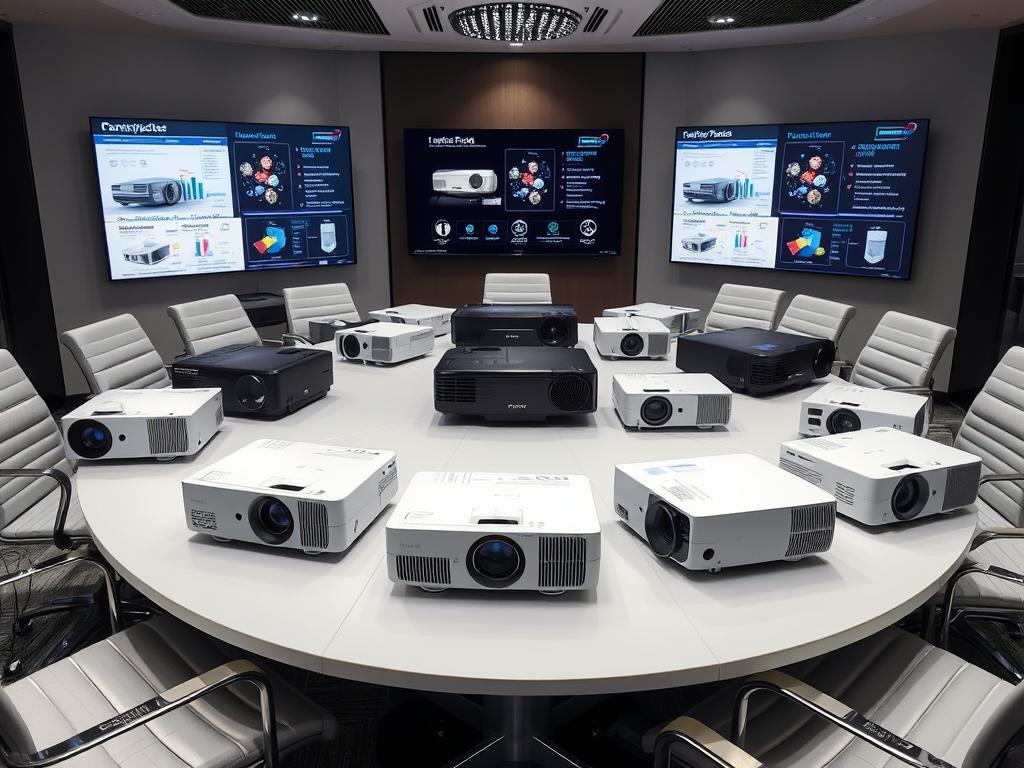
I remember my first big presentation with a stack of transparencies and an overhead projector. Now, the world of office projectors has changed a lot. I’ve learned that picking the right projector is key for a great presentation. This guide is my way of sharing my journey with you, helping you find the right projector.
Whether you’re pitching to clients or leading team meetings, the right projector can make your message stronger. But with so many choices, how do you pick? Let’s explore lumens, resolutions, and connectivity to find your perfect match.
From my experience, the key to finding the ideal projector is knowing what you need. Are you presenting in a bright room or a dark office? Do you need sharp detail for charts or bright colors for designs? These questions are important in your search.
In this guide, we’ll cover everything from brightness levels to resolution options. We’ll also look at the latest trends in portable projectors for presentations on the go. By the end, you’ll know how to choose the best projector for your presentations.
Understanding Projector Types for Business Settings
Choosing the right projector for office presentations is key. I’ll explain the main types: DLP, LCD, and portable projectors.
DLP Projectors and Their Advantages
DLP projectors use tiny mirrors and a color wheel. They offer sharp images and smooth video. These projectors are light and easy to move, perfect for businesses on the move.
LCD Projectors and Their Benefits
LCD projectors are known for their color accuracy. They work well in any lighting, making them versatile. Plus, they’re quiet and use less energy, ideal for long meetings.
Portable Projector Solutions
Portable projectors are great for presentations on the go. They’re small and light, weighing about 3 pounds. Perfect for salespeople or managers who travel a lot.
| Projector Type | Key Feature | Best For |
|---|---|---|
| DLP | Sharp images | Video presentations |
| LCD | Color accuracy | Versatile lighting conditions |
| Portable | Lightweight | Travel presentations |
Each projector has its own benefits. Your choice depends on your business needs. Whether it’s image quality, portability, or versatility, there’s a projector for you.
Essential Brightness Considerations
When picking a projector, brightness is key. It’s measured in lumens and affects image quality. The right amount ensures clear, bright pictures in any light.
Lumen Requirements for Different Spaces
Different places need different brightness levels. For outdoor movies, 500 lumens is enough. Indoors, 1500-2000 lumens work well for screens up to 120″. For very bright rooms, you need 3000 lumens or more.
Ambient Light Impact on Performance
Ambient light greatly affects how well a projector works. In bright rooms, you need at least 3000 lumens. For every 200 lumens of light, add 66 lumens per square meter to keep images clear.
Optimal Brightness for Room Sizes
Room size affects the needed brightness. For a 2m x 1.5m image, 2000 lumens is good. But for a 3m x 2.3m screen, you need less. Finding the right balance is key for the best viewing.
| Room Size | Recommended Lumens | Viewing Experience |
|---|---|---|
| Small (up to 10 people) | 800-1000 | Clear images in low light |
| Medium (10-20 people) | 1500-3000 | Vivid display in moderate light |
| Large (20+ people) | 3500+ | Bright visuals in high light |
Resolution and Image Quality Factors
When picking a projector, image resolution is key. It affects how clear and sharp images look. The number of pixels shown is what we call projector resolution, usually given as width x height.
For simple presentations, XGA projectors with 1024×768 pixels are good. They have a 4:3 aspect ratio, great for standard content. For spreadsheets or widescreen stuff, WXGA projectors are better. They have 1280×800 pixels and a 16:10 aspect ratio, giving more screen space.
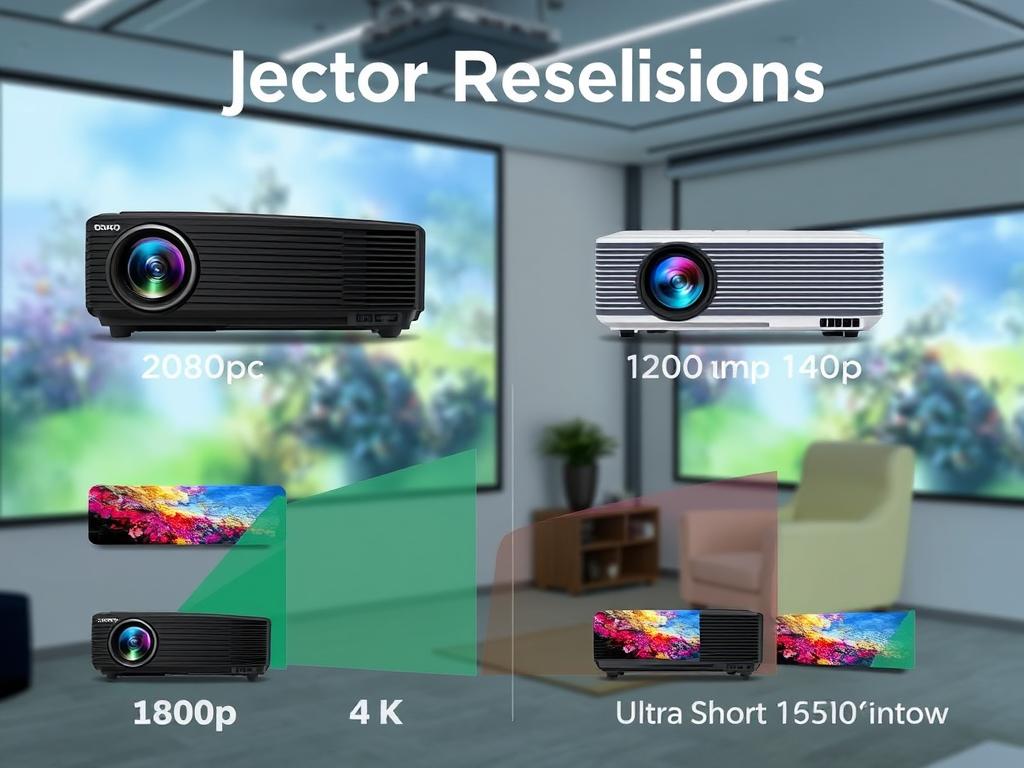
HD projectors are best for detailed presentations and home theaters. They have 1920×1080 pixels and a 16:9 aspect ratio. This makes them perfect for movies and high-quality content. For the best viewing, 4K projectors are top-notch. They have 3840×2160 pixels, offering amazing color and clarity. They’re great for big presentations or home cinemas.
| Resolution | Pixels | Aspect Ratio | Best Use |
|---|---|---|---|
| XGA | 1024×768 | 4:3 | Basic presentations |
| WXGA | 1280×800 | 16:10 | Spreadsheets, widescreen content |
| Full HD | 1920×1080 | 16:9 | Detailed presentations, home theaters |
| 4K UHD | 3840×2160 | 16:9 | Large venues, premium home cinema |
Keep in mind, better resolution means a higher price. I try to find a balance between what I need and what I can afford. This way, I get the right projector for my needs.
Choosing Projectors: Key Technical Specifications
When picking a projector for your office, focus on three key specs. These are contrast ratio, aspect ratio, and color performance. They greatly affect image quality and how viewers see it.
Contrast Ratio Explained
Contrast ratio shows the difference between the brightest whites and darkest blacks. A higher ratio means clearer images with more depth. For most offices, a contrast ratio of at least 2,000:1 is recommended.
This ensures sharp, vibrant presentations even in rooms with some light.
Aspect Ratio Selection
Aspect ratio determines the shape of your projected image. Common options are 4:3, 16:10, and 16:9. For versatility, I prefer 16:10.
It works well for both older 4:3 content and widescreen 16:9 formats without big black bars.
Color Accuracy and Performance
Color performance is crucial for lifelike images. Look for projectors with high color accuracy and good color depth. Always check reviews for natural flesh tones and color stability across inputs.
This ensures your charts, graphs, and photos look as intended. It enhances the impact of your presentations.
| Specification | Recommended Value | Impact |
|---|---|---|
| Contrast Ratio | 2,000:1 or higher | Sharper images, better depth |
| Aspect Ratio | 16:10 | Versatile for various content |
| Color Performance | High accuracy, good depth | True-to-life visuals |
Installation and Room Setup Requirements
When setting up a projector, knowing about throw ratio and mounting options is key. The right setup can greatly improve your viewing experience. Let’s look at the important factors to consider.
Throw Distance Calculations
The throw ratio tells you how far your projector should be from the screen. For a 100-inch screen, most projectors need about 100 inches of space. But, short-throw projectors are great for small spaces like garages.
Mounting Options and Considerations
When picking a mount, think about your room’s layout. Ceiling mounts are good for permanent setups. Tabletop mounts are better for moving projectors around. For outdoor events, big inflatable screens up to 40 x 20 feet can hold lots of people.
Screen Size and Placement
Choosing the right screen size and where to place it depends on your room and how you plan to use it. Home theaters usually use a 16:9 aspect ratio. Basements are great for projection rooms because they get less sunlight. Also, brighter rooms need more powerful projectors – up to 31,000 lumens for outdoor use!
| Screen Size | Minimum Lumens | Ideal Room |
|---|---|---|
| 100 inches | 1,000 ANSI | Basement |
| 330 inches | 31,000 ANSI | Outdoor |
Light Source Technologies
Choosing the right projector for your office means knowing about different light sources. We’ll look at three main types: lamp, LED, and laser projectors.
Lamp projectors use UHP or Xenon arc lamps. They are common and affordable. They can be bright, up to 3,500 lumens, but need bulb changes every 5,000 hours. Just turning them on and off can make the bulb wear out faster.
LED projectors are becoming more popular because they are efficient. They can last up to 20,000 hours without needing any upkeep. This means they cost less over time. They also produce bright colors and don’t have the “rainbow effect” seen in some DLP projectors.
Laser projectors are the latest technology. They can last 20,000 to 30,000 hours and need almost no upkeep. They have the best image quality, color range, and use less energy. They also turn on and off quickly and can be installed in many ways.
When picking between lamp, LED, and laser projectors, think about your budget, how you’ll use it, and the long-term costs. Lamp projectors are cheaper at first, but LED and laser save money in the long run. This is because they last longer and need less maintenance.
Connectivity and Input Options
Projector connectivity has really improved. The right connections can make a big difference in presentations. Let’s look at the options that will keep you connected and impress your audience.
Wireless Capabilities
Wireless projection is a big change. I can start presenting right away without cables. It’s great for quick meetings or when many people need to present.
HDMI and USB Connections
HDMI inputs are top for video and audio quality. I look for projectors with at least two HDMI ports. This lets me connect my laptop and another device. USB connections are useful too. They can power streaming sticks or play media directly.
Network Integration Features
Network features make projectors even better. I can control many projectors from one place. I can also schedule when they turn on and off, and get alerts for maintenance. It saves a lot of time for IT teams in big offices.
| Connection Type | Benefits |
|---|---|
| Wireless | Easy setup, flexible presenting |
| HDMI | High-quality audio/video, universal compatibility |
| USB | Direct media playback, power for accessories |
| Network | Remote management, centralized control |
When picking a projector, think about how you’ll use it. For small meetings, wireless might be enough. For big presentations, HDMI is best. And for managing many rooms, network features are essential.
Maintenance and Long-term Costs
When picking a projector for office talks, I think about the long-term costs and upkeep. Lamp projectors need bulb swaps often, which can cost a lot over time. These bulbs last 2,000 to 4,000 hours before they need to be changed.
LED and laser projectors, however, need less care and last longer. They can go over 20,000 hours without needing a new bulb.
Keeping a projector in good shape is more than just changing bulbs. It’s also about cleaning filters and lenses well. Some projectors can get updates via USB, which saves time and money.
When I look at long-term costs, I think about bulb, filter, and repair prices. The cost of buying and keeping a projector can change over time. For example, the life of a projector can be 5 to 10 years, based on how it’s used and cared for.
| Projector Type | Maintenance Needs | Estimated Lifespan |
|---|---|---|
| Lamp | High (Regular bulb replacement) | 2,000 – 4,000 hours |
| LED | Low | 20,000+ hours |
| Laser | Low | 20,000+ hours |
Thinking about these points helps me choose wisely. I aim for a balance between the initial cost and long-term benefits. This ensures I get the best projector for my office needs.
Advanced Features for Professional Presentations
In the world of business presentations, the right tools are key. Modern projectors have advanced features that boost your presentation quality. Let’s look at some of these features that can change your boardroom meetings.
Keystone Correction
Keystone correction is a big help for presenters. It lets you adjust the image shape if the projector isn’t straight. This keeps your slides looking right, even if the projector is off-center.
Lens Shift Capabilities
Lens shift is another great feature. It moves the lens to adjust the image without changing its shape. This lets you fine-tune your projection, even in tricky rooms.
Portrait Mode Options
Portrait mode projection is becoming more common. It lets you project images vertically. This is great for tall graphics, digital signs, or scrolling through documents.
| Feature | Main Benefit | Best Use Case |
|---|---|---|
| Keystone Correction | Image shape adjustment | Off-center projector placement |
| Lens Shift | Image position adjustment | Flexible installation options |
| Portrait Mode | Vertical image projection | Digital signage, tall graphics |
Knowing about these features helps you pick a projector that’s not just good enough. It’s versatile for any presentation you might need in your job.
Budget Considerations and ROI
When planning your projector budget, it’s key to weigh initial costs against long-term benefits. I’ve learned that while lamp projectors are cheaper at first, LED and laser models save money over time. This is because they need less maintenance and last longer. This idea is supported by William McKnight, a well-known expert on ROI for information projects.
Choosing cost-effective solutions means looking beyond the initial cost. Think about brightness, resolution, and the features you need. Also, consider energy savings and less downtime when figuring out costs. This way of thinking is similar to how data warehouse projects are assessed, where many projects use the same setup.
To make smart choices, I recommend making separate plans for money and budgeting. This is a common strategy in startup finance, helping to keep things clear. For projectors, this could mean planning for 3-5 years and budgeting for 1-2 years.
Good ROI calculations turn activities into money. When picking projectors, think about how they help your business work better. This way, you choose tools that will help your business grow, making your investment in presentation tech worthwhile.
Creative Applications Beyond Presentations
Projectors are no longer just for slideshows. They’re changing office spaces in exciting ways. They help us engage and communicate better.
Digital Signage Solutions
Projectors are making office entryways and reception areas stand out. Companies use them to show dynamic logos and updates. It’s like a TV, but bigger and more flexible.
About 70% of modern offices now use projectors for these creative tasks.
Interactive Collaboration Tools
Interactive projectors turn walls into giant touchscreens. Teams brainstorm and sketch ideas on these big displays. It boosts creativity and teamwork.
I’ve seen 5 unique ways to use projectors in collaborative spaces.
Multi-Room Broadcasting
Projectors help bridge gaps across offices. I can attend a meeting in New York while my colleagues watch in Chicago. It’s great for large campuses or multi-floor offices too.
These systems work with various power supplies and offer many connectivity options. They’re super adaptable.
Presentation Equipment: The right equipment is key for a great office presentation. A top-notch projector is essential, turning your presentation into an engaging experience. Look for high lumens, wide color gamut, and 4K resolution for clear visuals and vibrant colors. Also, choose a wireless, portable, and easy-to-set-up projector to focus on your presentation.
Projector Guide: Finding the right projector can be tough, but focus on a few key factors. Consider the room size and lighting. Think about the projector’s resolution, brightness, and connectivity options. Also, remember the maintenance needs like filter cleaning and lamp replacement. This way, you can find a projector that enhances your presentations without costing too much.
Meeting Tools: Today, meeting tools go beyond in-person meetings. They include virtual connections and remote participation. A good tool should be easy to use, reliable, and feature-rich. Look for one with video conferencing, screen sharing, and file transfer. Choose a tool that works well with your office equipment, like projectors or whiteboards, for a seamless experience. With the right tools, your office meetings will improve, strengthening team and client connections.
FAQ
What’s the difference between DLP and LCD projectors?
How many lumens do I need for my office projector?
What resolution should I choose for my office projector?
What’s the importance of contrast ratio in projectors?
What is throw ratio, and why is it important?
What are the advantages of LED and laser projectors over lamp projectors?
What connectivity options should I look for in an office projector?
How can I ensure my projected image is perfectly aligned?
Are there creative ways to use projectors beyond standard presentations?
How do I calculate the total cost of ownership for a projector?
Source Links
- https://viktori.co/buyers-guide-best-projectors-for-presentations/ – Buyers Guide: Best Projectors For Business Presentation And Pitching In 2024 – Viktori
- https://www.ricoh.com.my/blogs/projectors-for-office-use-how-to-choose-the-right-one – Projectors for Office Use How to Choose the Right One
- https://www.cdwg.com/content/cdwg/en/articles/hardware/types-of-projectors-buying-guide.html – Types of Projectors Buying Guide
- https://www.viewsonic.com/library/business/buying-an-office-projector-5-things-to-consider/ – Office Projector Buying Guide: 5 Things to Consider – ViewSonic Library
- https://www.viewsonic.com/library/business/how-choose-right-business-projector/ – How to Choose the Right Business Projector – ViewSonic Library
- https://www.benq.com/en-us/knowledge-center/knowledge/projector-brightness-lumens.html – Why Does Brightness or Lumens Matter for Projectors? How Many Lumens Do You Need?
- https://www.projectorpoint.co.uk/blog/how-bright-should-my-projector-be – How Bright Should My Projector Be? – Projectorpoint
- https://www.seenebula.com/blogs/buying-guides/what-to-look-for-in-a-projector – What to Look for in a Projector? A Professional Buyers’ Guide
- https://www.projectorscreen.com/blog/Projector-Resolution-Explained?srsltid=AfmBOoprr2neODAh-EGOJiib-qkj8uH7YGtbz21riWSX5oulwTNsVZj2 – Projector Resolution Explained – Everything You Need to know
- https://www.seenebula.com/blogs/buying-guides/projector-resolution – A Comprehensive Guide on Projector Resolution for Clarity and Performance
- https://www.viewsonic.com/library/entertainment/choosing-the-right-projector-resolution-for-your-needs/ – Projector Resolution Guide: Choosing the Right One for Your Needs – ViewSonic Library
- https://pogumax.com/blog/guide-how-to-choose-a-projector-in-2024 – How to Choose a Projector in 2024? A Guide: Tips, Technical Terms, and Features
- https://www.projectorcentral.com/projectors-101.cfm – Projectors 101
- https://www.lifewire.com/before-you-buy-a-video-projector-1847845 – What to Look for When Buying a Projector
- https://www.nytimes.com/wirecutter/blog/how-to-pick-the-right-projector/ – How to Pick the Right Projector for Your Viewing Needs
- https://rentforevent.com/blog/10-tips-to-set-up-your-projector-perfectly/ – 10 Tips to set up your projector perfectly – rentforevent.com
- https://www.projectorreviews.com/projector-light-sources/ – Projector Light Sources – Projector Reviews
- https://www.4wall.com/blog/2024/03/19/a-comprehensive-guide-to-projectors – A Comprehensive Guide to Projectors
- https://www.projectorcentral.com/Digital-Projector-Imaging-Technologies-Explained.htm – LCD, LCoS, or DLP: Choosing a Projector Imaging Technology
- https://www.techadvisory.org/2021/05/how-to-choose-the-right-business-projector/ – How to choose the right business projector – TechAdvisory.org
- https://www.projectorscreen.com/blog/projector-buying-guide?srsltid=AfmBOoqkXs3GaU64sqNqcymIMvG95qKA7zaKLIqyXzadR1Do9Oe9kABJ – The Ultimate Projector Buying Guide
- https://limitlesslightsandsound.com/blog/projecting-brilliance-the-ultimate-projector-guide/ – Projecting Brilliance: The Ultimate Guide to Choosing the Perfect Projector for Every Need — Event Lighting, Sound, and Video Rentals Houston | Limitless Lights and Sound
- https://proavdc.com/tv-vs-projector-a-comprehensive-comparison/ – The Big Screen Debate: TV vs. Projector – A Comprehensive Comparison
- https://www.nytimes.com/wirecutter/reviews/best-projectors/ – The Best Projectors
- https://www.screentechnics.in/maximizing-your-office-presentations-with-the-best-projector-solutions/ – Boost Presentation Impact with Premium Projector Solutions for Your Office
- https://tdwi.org/articles/2013/09/03/ROI-on-Information-Projects.aspx – Q&A: Return on Investment for Information Projects | TDWI
- https://www.finrofca.com/news/budgeting-is-from-mars-financial-planning-is-from-venus – Startup Financial Projections and Budgeting: Not The Same | Finro Financial Consulting
- https://insightsoftware.com/blog/financial-forecasts-vs-projections/ – Financial Forecasts vs. Projections: 3 Essential Differences
- https://www.viewsonic.com/library/entertainment/5-creative-ideas-realized-with-projectors/ – Reimagine Your Space: 5 Creative Ideas Realized with Projectors – ViewSonic Library