I’ll never forget the day I almost fell for a phishing scam. My heart raced as I hovered over that deceptive link. It was a wake-up call that made me realize the importance of phishing protection and secure communication.
Let’s face it – we’re all vulnerable to these sneaky attacks. But with the right knowledge and tools, we can outsmart the cybercriminals lurking in our inboxes.
Did you know that a staggering 3.4 billion spam emails are sent daily? That’s right, phishing is the most common form of cybercrime out there1. It’s no wonder we need to stay on our toes. Cybercriminals are getting craftier, using urgent calls to action and threats to trick us into clicking links or sharing personal info2.
But don’t worry – I’m here to share some top-notch email security tips that’ll help keep those phishing attempts at bay.
From spotting suspicious emails to creating bulletproof passwords, we’ll cover it all. And trust me, it’s not just about protecting yourself. By beefing up your email security, you’re also safeguarding your loved ones and colleagues. So let’s dive in and learn how to swim safely in these phishing-infested digital waters!
Understanding Phishing Attacks
Phishing attacks are a big problem in today’s digital world. In 2021, 83% of organizations faced phishing attacks. This shows how common this cyber threat is3. I’ll explain what phishing is and look at different types of phishing scams to help you stay safe.
What is Phishing?
Phishing is when bad guys pretend to be trusted people to get your personal info. They use emails, texts, or calls to do this. The FBI says phishing is the most common cyberattack, showing how big of a problem it is3.
Different Types of Phishing Scams
Phishing scams are many and each one tries to trick people in different ways:
- Spear Phishing: This is a targeted attack that knows a lot about the person or group it’s after4.
- Clone Phishing: Scammers copy real emails and add bad stuff to them.
- Whaling: This goes after important people in companies.
- Smishing: Phishing through SMS or text messages.
Keeping your email safe is key because phishing scams can hit many people at once. Even a few falling for it can cause big problems4. The FBI says phishing scams cost $2.5 billion in 2020 alone, thanks to scams like the Nigerian Prince scam3.
Importance of Email Security
Email security is key in today’s digital world. With over four billion emails sent daily, cybercriminals see it as a prime target5. Shockingly, 94% of malware spreads through email, making it a major attack point6.
Protecting Personal and Sensitive Information
Keeping data safe in emails is essential. I found out 96% of phishing attacks start with an email, risking our personal info6. To fight this, I use email encryption for sensitive messages. This adds a layer of security, making sure only the right people can read them5.
Using strong passwords and two-factor authentication boosts email security. I also keep my software and systems updated to avoid vulnerabilities5.
Avoiding Financial Losses
Email attacks can lead to big financial losses. I was surprised to learn 67.5% of people who click on phishing links give away their login details6. This shows how crucial it is to stay alert and use strong email security.
To keep myself safe, I regularly back up my emails. This helps prevent data loss from accidental deletion, hardware failure, or security breaches5. By focusing on email security, I protect my personal info and avoid financial losses, keeping my digital communications safe.
Recognizing Suspicious Emails
Spotting phishing emails is crucial for my online safety. Scammers send thousands of phishing attacks every day. This makes it important to stay alert and aware of cyber threats7. By knowing what to look for, I can protect myself from these scams.
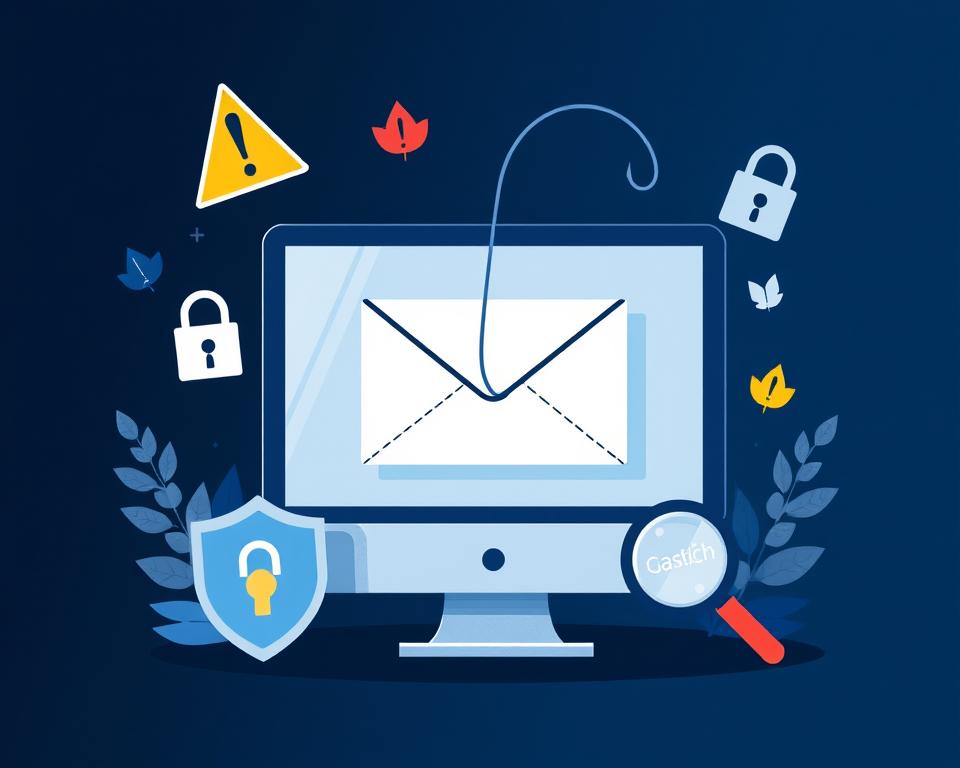
Signs of Phishing Emails
When I check my inbox, I watch for these warning signs:
- Suspicious “From” addresses that don’t match the supposed sender
- Requests for personal information (most legitimate businesses don’t ask for this via email)
- URLs that don’t start with “https://”
- Generic greetings like “Dear Customer”
- Spelling and grammar errors (often deliberate to bypass spam filters)
- Unexpected attachments
Common Tactics Used by Attackers
Scammers use clever tricks to fool me. They might create a sense of urgency, demanding quick action. Some impersonate trusted companies or contacts. Others offer tempting deals that seem too good to be true8.
Phishing protection starts with being alert. If an email seems fishy, I don’t click links or download attachments. Instead, I contact the supposed sender through a known, trusted method. Remember, it’s okay to be cautious – my online safety depends on it.
Using Strong Passwords
Strong passwords are key for keeping your accounts safe. Creating a strong password is a top cybersecurity tip. Let’s look at how to make and keep your passwords secure.
Tips for Creating Strong Passwords
I try to make passwords at least 12 characters long. But, 14 or more is even better. I mix letters, numbers, and symbols to make them stronger. It’s important to avoid common words and names that are easy to guess9.
Using a password manager helps me create and store complex passwords safely. I only need to remember one strong master password10. Password managers also help make my passwords stronger, keeping me safer online10.
Updating Passwords Regularly
Changing passwords often is crucial for keeping your accounts safe. I make sure each account has a unique password, not the same one for all sites9. This way, if one account is hacked, the others stay safe.
I also use multi-factor authentication (MFA) for my email, social media, and bank accounts. It adds an extra layer of security beyond just passwords109. By following these steps, I’ve improved my online safety and lowered the risk of cyberattacks.
Enabling Two-Factor Authentication
I’ve learned that adding extra security to my email accounts is key in today’s world. Two-factor authentication (2FA) is a strong tool that boosts account security. It’s one of the best ways to protect against cyber threats.
What is Two-Factor Authentication?
Two-factor authentication is a security method that asks for two different ways to prove who you are11. It adds a layer of protection beyond just using a password12. With 2FA, I can log in with a passkey and another step, or even just a passkey.
Benefits of Adding Extra Security
Using 2FA for my email accounts has many benefits. It lowers the chance of someone taking over my account, makes me feel more secure, and meets security standards11. I’ve seen that multi-factor authentication, like SMS, apps, or tokens, really boosts my security.
Google suggests using Google prompts as a second step for safer sign-ins12. I like that passkeys and hardware keys protect against phishing by offering different ways to sign in. This multi-layered security makes me feel safe when I’m online.
By turning on two-factor authentication, I’ve made a big step in keeping my digital life safe. It’s a simple yet powerful way to boost my account security and fight off cyber threats.
Be Cautious with Links and Attachments
Email safety is key in today’s world. With 94% of malware coming through email, it’s important to check links and keep attachments safe13. Here are some tips to keep you safe from cyber threats.
How to Verify Links Before Clicking
Checking links is a must for email safety. I always look at the link’s true destination by hovering over it before clicking. This simple step can stop me from falling for phishing scams, which rose by 220% from 2019 to 202013.
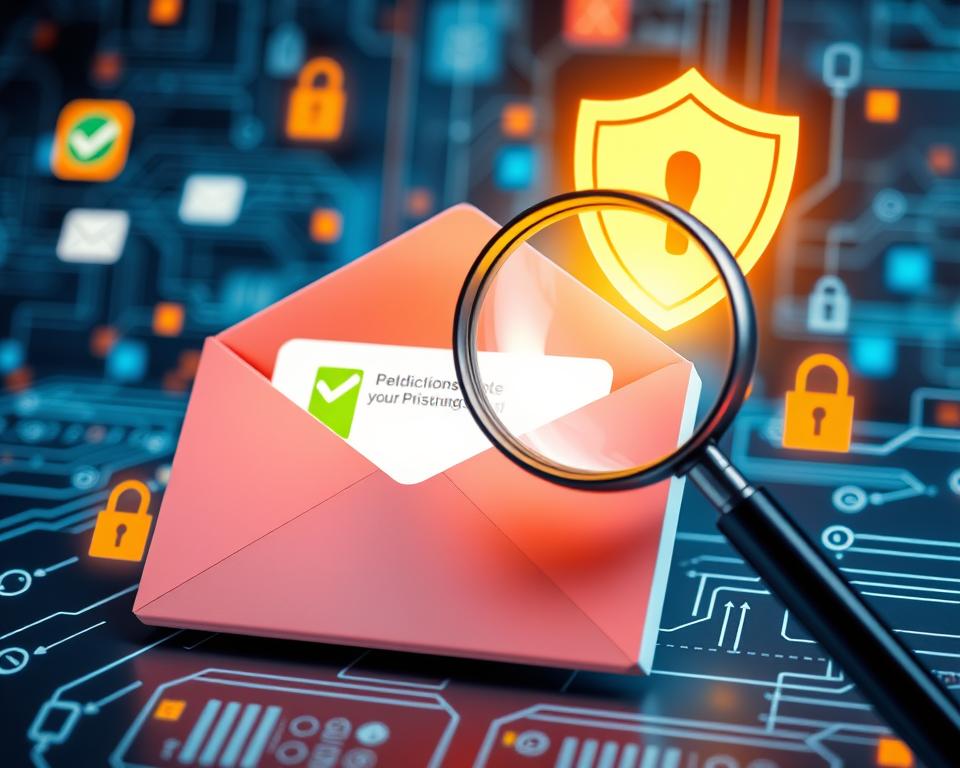
I’m careful with short links or ones that look almost right but aren’t. These are tricks used by hackers. If I’m not sure, I reach out to the sender through a trusted method to check.
Checking Attachments for Safety
Attachments need to be checked too. I’m cautious of files I didn’t expect, especially if they can run on their own. It’s crucial to scan these files with antivirus software before opening.
- Be suspicious of unexpected attachments
- Scan files with antivirus software
- Verify sender identity before opening attachments
By following these steps, I lower my chance of getting caught in phishing scams. Remember, 65% of companies were hit by phishing in 202013. Learning about email safety is our best way to fight cyber threats.
Keeping Software Up to Date
Keeping your software up to date is crucial. It’s not just for new features. It’s key for email security. Let’s talk about why updates are important and how to make them easier.
Importance of Regular Updates
Updates often include security patches to fix vulnerabilities. These patches help protect against phishing and cyber threats. Regular updates lower the risk of cyberattacks and keep your data safe14.
Continuous updates are vital for system security. Hackers target outdated software to gain access and compromise data15. I update my operating system, anti-virus, firewall, and email client on all devices.
Automating Software Updates
To avoid missing security patches, I’ve set my devices to update automatically. This keeps me protected without manual checks. It’s a simple step for better email security.
Here are some tips for managing software updates:
- Set a regular schedule for checking and installing updates
- Enable automatic updates whenever possible
- Be cautious of fake update scams that can contain malware like ransomware or spyware14
- Use only approved sources for updates to ensure authenticity
System maintenance is more than keeping things running. It’s a key part of email security. By keeping up with updates, you block potential threats. As email security best practices change, so should our digital habits.
Utilizing Email Filtering Tools
Email filtering tools are key to my email security. They scan messages for spam and known threats. This helps keep my inbox safe.
What are Email Filters?
Email filters are tools that check messages for threats. They look at who sent the email and what it says. This helps decide if it’s spam or not16.
These filters can be used online or on my computer, depending on what I need17.
Setting Up Effective Filters
To make filters work well, I start with reputation-based filtering. I also use safelisting and blocklisting17. This helps keep my inbox clean.
I also use email authentication like SPF, DKIM, and DMARC. This makes sure emails are real and not fake18.
For extra safety, I check emails for spam words. Keeping my filters up to date helps me stay safe from threats18.
It’s important to remember that filters are just part of the solution. Using strong passwords and keeping software updated also helps protect against threats18.
Educating Yourself and Others
Staying informed about cybersecurity threats is key in today’s digital world. Learning continuously helps me shield myself and others from phishing attacks. Did you know that 70% of cybercrimes are phishing scams19? This shows how vital cybersecurity awareness is.
Staying Informed About New Threats
To outsmart cyber criminals, I attend security training and keep up with cybersecurity news. It’s alarming that 51% use “password” as their password, and 25% use “123456”20. This shows we need stronger security habits. I’ve found that using at least 16 characters for a password is best for security20.
Sharing Knowledge on Email Security
Sharing what I’ve learned about phishing prevention is just as crucial. I often talk about email security with my loved ones. For example, I tell them to use two-factor authentication (2FA) for extra safety20. It’s worrying that 60% of people reuse passwords across different accounts19. By sharing these tips, I aim to encourage better security habits.
Remember, phishing attacks cause nearly 22% of data breaches, costing organizations over $4 million on average21. These numbers push me to keep learning and sharing about email security. Together, we can build a stronger defense against cyber threats.
Regularly Reviewing Security Practices
Keeping up with email security is essential. With 91% of cyberattacks starting from email, I must stay alert22. Regular security audits help me find and fix weak spots in my defenses.
Evaluating My Email Security Regularly
I regularly check my email security. This includes checking my password strength and updating them every 90 days22. I also make sure my two-factor authentication is on, adding extra protection23.
By doing these checks, I’m ready for the 3.4 billion spam emails sent daily22.
Adapting to New Security Challenges
The world of cybersecurity is always changing. I keep an eye out for new phishing tactics and adjust my security. With 94% of companies facing spear phishing attacks in 2022, I stay vigilant22.
I use secure email gateways and encrypt sensitive emails for better protection23.
By staying informed and adapting my cybersecurity, I’m ready for new threats. Remember, 88% of data breaches come from employee errors, so I educate myself and others about email security22. This ongoing learning and adapting is crucial for digital safety.
Spam prevention is an essential aspect of email security that requires attention to detail and proactive measures to block malicious emails from reaching your inbox. To stay on top of spam, consider implementing robust email filtering solutions that use machine learning algorithms and behavioral analysis to identify and flag suspicious emails based on patterns, keywords, and sender reputation. Additionally, set up a whitelist of trusted senders and domains, and make sure to regularly update your email client’s spam filters with the latest signatures and blocking rules.
FAQ
What is phishing and how can I protect myself?
How can I recognize a phishing email?
Why is email security so important?
What makes a strong password?
What is two-factor authentication and why should I use it?
How can I safely handle email links and attachments?
How often should I update my software for better email security?
What are email filtering tools and how do they help?
How can I stay informed about new phishing threats?
How often should I review my email security practices?
Source Links
- https://www.lepide.com/blog/10-ways-to-prevent-phishing-attacks/ – 10 Ways to Prevent Phishing Attacks
- https://support.microsoft.com/en-us/windows/protect-yourself-from-phishing-0c7ea947-ba98-3bd9-7184-430e1f860a44 – Protect yourself from phishing – Microsoft Support
- https://www.valimail.com/resources/guides/guide-to-phishing/ – Complete Guide to Phishing: Techniques & Mitigations – Valimail
- https://www.imperva.com/learn/application-security/phishing-attack-scam/ – What is phishing | Attack techniques & scam examples | Imperva
- https://tomorrowsoffice.com/blog/the-importance-of-email-security/ – The Importance of Email Security – Atlantic | Tomorrow’s Office
- https://www.proofpoint.com/us/threat-reference/email-security – What Is Email Security? Definition & Best Practices | Proofpoint US
- https://consumer.ftc.gov/articles/how-recognize-and-avoid-phishing-scams – How To Recognize and Avoid Phishing Scams
- https://www.cisa.gov/sites/default/files/publications/emailscams_0905.pdf – Recognizing and Avoiding Email Scams
- https://support.microsoft.com/en-us/windows/create-and-use-strong-passwords-c5cebb49-8c53-4f5e-2bc4-fe357ca048eb – Create and use strong passwords
- https://www.cisa.gov/secure-our-world/use-strong-passwords – Use Strong Passwords | CISA
- https://www.micromindercs.com/blog/two-factor-authentication-for-email-security – Two-Factor Authentication Solutions: Crucial for Email Security | Microminder Cybersecurity | Holistic Cybersecurity Services
- https://support.google.com/accounts/answer/185839?hl=en&co=GENIE.Platform=Desktop – Turn on 2-Step Verification – Computer
- https://secureflorida.org/Online-Safety/Email-Safety-Tips.htm – Email Safety Tips
- https://support.uidaho.edu/TDClient/40/Portal/KB/ArticleDet?ID=2770 – Why keeping your software up to date is important for cybersecurity?
- https://www.mailmodo.com/guides/email-security-best-practices/ – 10 Email Security Best Practices You Should Know in 2024
- https://perception-point.io/guides/email-security/understanding-email-filtering-types-techniques-and-tools/ – Understanding Email Filtering: Types, Techniques, and Tools
- https://www.proofpoint.com/us/threat-reference/email-filtering – What Is Email Filtering? – Spam Filtering & Security | Proofpoint US
- https://www.webitservices.com/blog/business-email-security/ – Top 10 Email Security Tips: How to Keep Your Business Email Secure – Naperville, Aurora, St. Charles | WEBIT Services
- https://security.berkeley.edu/resources/best-practices-how-to-articles/top-10-secure-computing-tips – Top 10 Secure Computing Tips
- https://www.cisa.gov/news-events/news/4-things-you-can-do-keep-yourself-cyber-safe – 4 Things You Can Do To Keep Yourself Cyber Safe | CISA
- https://www.mailersend.com/blog/email-security – A Guide to Email security: Tips to Protect Yourself and Your Business
- https://cerkl.com/blog/email-security-best-practices/ – 10 Most Important Email Security Best Practices
- https://perception-point.io/guides/email-security/top-15-email-security-best-practices/ – Top 15 Email Security Best Practices for 2024