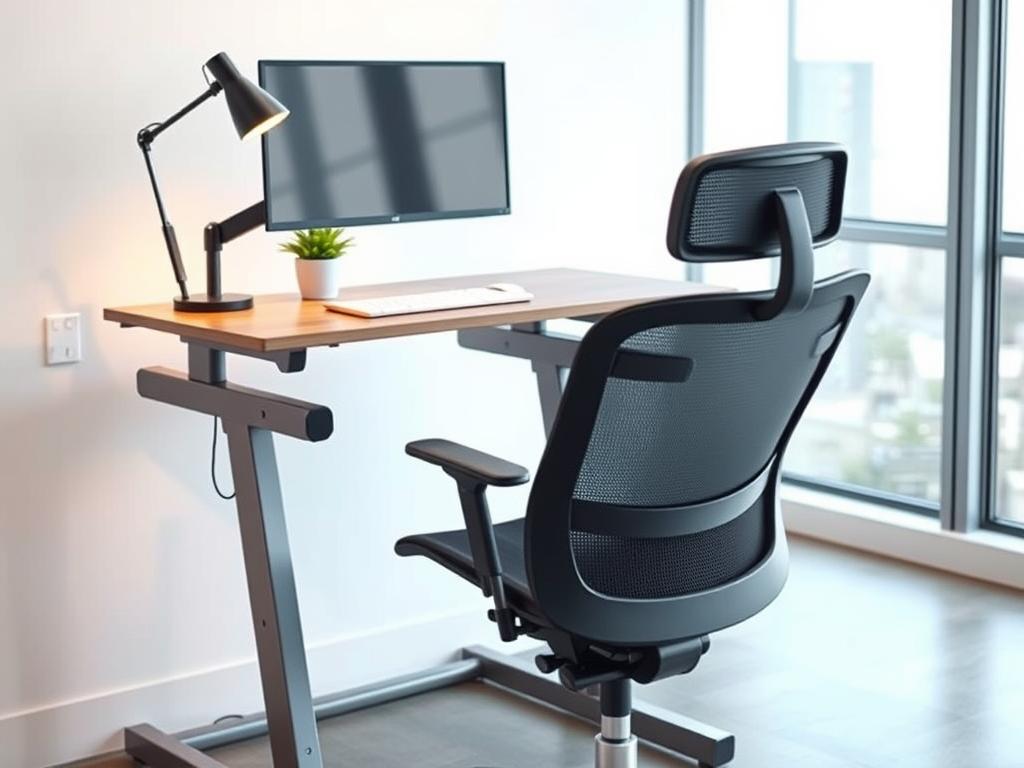
The modern workplace is changing fast, thanks to hybrid and remote work. Making a comfortable workspace is now key for workplace health and better work. Spending long hours at desks means the quality of your space really matters.
A good workspace keeps team members safe from injuries like neck pain and back strain. The right gear can make work easier and less stressful. It helps people focus better and feel less distracted.
Things like ergonomic chairs and standing desks are game-changers. They help people stay comfortable and move more. Adding things like monitor arms and good lighting makes the workspace even better.
Choosing the right workspace tools can really help your team. It leads to more work done, less time off, and happier employees. Next, we’ll look at some key tools and tips for a better workspace.
Understanding Ergonomics in the Workplace
Creating an efficient office setup starts with ergonomics. It’s about making workspaces that support health and boost productivity. Ergonomic design makes sure the workspace fits the worker, not the other way around.
Definition of Ergonomics
Ergonomics is the science of making workspaces fit the human body. It comes from Greek words meaning “laws of work.” It aims to reduce injury risks and boost productivity.
An ergonomically designed workspace looks at posture, movement, and physical demands. It designs tools and furniture that support the body naturally.
Modern ergonomics covers sitting, arm positions, and computer monitor angles. It’s about making workspaces comfortable to prevent strain.
Importance of Ergonomics
Ergonomics is key in today’s workplace. Musculoskeletal disorders cause 30% of workplace injuries, costing billions. These injuries hurt employers in workers’ compensation and lost productivity.
Poor ergonomics leads to common ailments like carpal tunnel and back pain. These issues affect many workers.
- Carpal tunnel syndrome
- Tendonitis
- Lower back pain
- Neck strain
- Eye fatigue
Companies with good ergonomics see a 50% drop in musculoskeletal disorders. This means fewer sick days and cost savings. For workers, it means less pain and better health.
Benefits of Ergonomic Office Equipment
Ergonomic office equipment offers many benefits. It improves physical health and work performance.
The main benefits of an efficient office setup include:
- Reduced physical strain – Ergonomic chairs and desks reduce muscle and joint pressure.
- Prevention of chronic disorders – Ergonomic tools prevent musculoskeletal problems.
- Enhanced focus and concentration – Comfortable workspaces help workers stay focused.
- Improved productivity – Ergonomic workspaces can boost productivity by 10-15%.
- Decreased absenteeism – Fewer injuries mean fewer sick days.
Ergonomic workspaces show a company cares about employee health. This leads to happier workers and better job retention.
Creating an ergonomic workspace is more than buying equipment. It’s about designing spaces that meet human needs. Ergonomic design supports long-term health and success.
Key Features of Ergonomic Office Equipment
Ergonomic office equipment has three key features. These features help support good posture and reduce strain. Quality ergonomic equipment acts as posture tools that help your body stay in the right position.
Adjustable Height Options
Adjustable height is a key feature of ergonomic office equipment. It lets everyone find a comfortable position, no matter their height. This is important for keeping your body aligned all day.
Chairs should let you sit with your feet flat and knees at 90 degrees. Desks should be at elbow height whether you’re sitting or standing. Monitor stands should keep screens at eye level to avoid neck pain.
The best posture tools are easy to adjust. Look for chairs and desks with smooth height changes. Pneumatic lifts, electric motors, or counterbalance systems make adjustments simple.
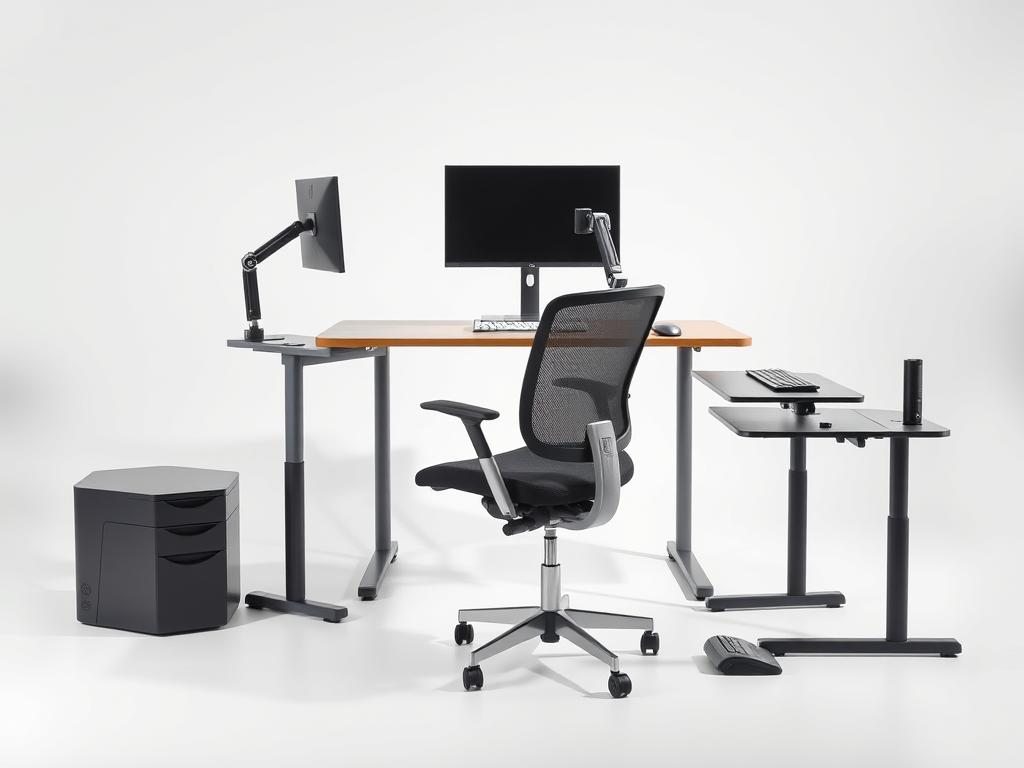
Supportive Materials
The materials in ergonomic equipment are very important. They help you stay comfortable for a long time. Good materials spread out your weight and keep your body in the right position.
Ergonomic chairs have foam that supports your body well. They also have mesh backrests for air and comfort. Memory foam fits your body for extra support.
For keyboards and mice, look for posture tools that are easy on your hands and wrists. Wrist rests with gel or foam help during typing and mouse use.
Mobility and Flexibility
Being able to move is another key feature of ergonomic equipment. Sitting in the same position for too long can be tiring.
Chairs that swivel and roll make it easy to move around. Articulating keyboard trays adjust to different positions. Monitor arms move to help you see screens better.
The best ergonomic solutions let you change positions often. This keeps your blood flowing and muscles relaxed. These posture tools fit your needs, not the other way around.
When picking ergonomic office equipment, look at these three things:
- Ease of use – It should be easy for everyone to use without needing a lot of training
- Individual adjustability – It should fit different people’s needs, as everyone is different
- Promotion of wellness – It should make everyone more comfortable and accessible, whether working from home or in the office
By focusing on these features, you can make your office furniture into posture tools that help your body. The right ergonomic equipment supports your body’s needs, not the other way around.
Desks That Promote Productivity
Choosing the right desk is key to better work and comfort. The desk’s design, height, and setup affect your posture and focus. Today’s desks come with ergonomic features tailored to your needs.
Height-Adjustable Desks
Height-adjustable desks are a big step up in office furniture. They let you change the desk height for sitting or standing.
These desks use manual or electric systems. Electric ones make height changes smooth and quick.
These desks do more than just feel good:
- They fit users of all heights
- Let you change positions all day
- Lessen neck, shoulder, and back strain
- Help keep monitors at eye level
- Make standing easier for teamwork
Many desks remember your favorite heights. This makes switching between sitting and standing easy. It keeps your body in the right position all day.
L-Shaped and Corner Desks
L-shaped and corner desks make your workspace better. They use corners well and give lots of room for work.
- They create separate areas for tasks
- Keep things organized with special spots
- Help you do more things at once
- Use office space better
- Reduce reaching and twisting
Many people like L-shaped desks for separating tasks. They have lots of space for monitors and papers. This makes work easier and more efficient.
Some L-shaped desks can change height. This adds the benefits of standing to their large work areas.
Standing Desks vs. Sitting Desks
The debate is between standing desks and sitting ones. Sitting too long is bad for health, like smoking.
Standing desks have big advantages:
- They help avoid weight gain and obesity
- Lower blood sugar and heart disease risk
- Less back pain and better posture
- More energy and alertness
- Can make you feel better and more productive
But standing all day can be hard on your feet. It’s best to mix sitting and standing. Start with 30 minutes of standing and increase as you get used to it.
Convertible desks are the best choice. They let you switch between sitting and standing. This way, you get the health benefits of standing and the comfort of sitting.
Here are tips for using a standing desk:
- Use a good anti-fatigue mat
- Make sure your monitor is at eye level
- Keep elbows at 90 degrees when typing
- Wear comfy, supportive shoes
- Take breaks to move, no matter your position
Ergonomic sitting desks also have big benefits. They have special setups for your arms and neck. This helps avoid hunching and strain.
The best desk for you depends on your needs and how you work. Many people like desks that can change height. They offer comfort, health benefits, and boost productivity.
Ergonomic Chairs for Comfort
Standard office chairs and ergonomic chairs are very different. Ergonomic chairs help you stay comfortable and healthy at work. They support your body and reduce stress.
Features of Ergonomic Chairs
Ergonomic chairs have essential features that make them better than regular chairs. They fit your body and work style.
- Adjustable lumbar support – Helps your lower back stay straight
- Seat depth adjustment – Supports your thighs right
- Height adjustability – Keeps your feet on the floor and arms at the desk
- Armrest positioning – Helps your shoulders stay relaxed
- Headrest options – Eases neck pain when you lean back
The materials in ergonomic chairs are also key. They use breathable mesh and foam that lasts. Some chairs even adjust to move with you.
Best Brands for Ergonomic Chairs
Some brands are leaders in ergonomic chairs. They offer comfort, durability, and design. These brands have options for every budget.
- Herman Miller – Famous for the Aeron chair, they offer top-notch chairs with a 12-year warranty. Their chairs cost $1,000-$2,000.
- Steelcase – Their Leap and Gesture chairs have LiveBack technology for great back support. Prices are $800-$1,500.
- FlexiSpot – They have affordable chairs ($200-$500) with important ergonomic features. Good for small businesses and home offices.
- Autonomous – They offer mid-range chairs ($350-$700) with modern designs and good adjustability. Their ErgoChair line is popular for its value.
Each brand has its own strengths. Herman Miller is known for innovative materials and durability. Steelcase focuses on back support. FlexiSpot and Autonomous make ergonomic features more affordable.
Tips for Choosing an Ergonomic Chair
Choosing the right ergonomic chair is important. Consider your needs and work space. Here are some tips to help you choose.
- Test before purchasing – Sit in chairs for 15-20 minutes to check comfort. Look for pressure points and back support.
- Consider your body type – Choose chairs that fit your height and weight. Look for adjustable parts.
- Evaluate your workspace – Make sure the chair fits your desk and floor. Some chairs are bigger than regular chairs.
- Review warranty terms – Good chairs come with long warranties. This shows the manufacturer’s confidence in their quality.
- Set a realistic budget – While expensive chairs have more features, mid-range chairs ($400-$700) often have what you need.
Adjusting your chair is key. Even the best chair won’t help if it’s not set right for you. Learn how to adjust it and check it often.
The right ergonomic chair makes your workspace better. It helps you stay comfortable and focused. It’s a smart investment for your health and work.
Accessories for an Ergonomically Sound Workspace
Ergonomic chairs and desks are the start of a healthy workspace. But, the right accessories make it complete. They help reduce strain during long workdays. The right tools make your workspace fit your needs and style.
Keyboard and Mouse Options
Traditional keyboards and mice can hurt your hands and wrists. Ergonomic ones help keep your hands in a natural position. This reduces stress on your joints and tendons.
Split keyboards have a raised center and angled sides. This lets your hands rest naturally. Many also have wrist rests for extra support.
- Vertical mice – Keep your hand in a “handshake” position to avoid twisting
- Trackballs – Control the cursor with little hand movement
- Programmable mice – Have customizable buttons to cut down on repetitive actions
- Touchpads – Offer different ways to move the cursor
For those who type a lot, a mechanical keyboard with adjustable tension is a good choice. It helps prevent finger fatigue. The feedback from the keys also protects your finger joints.
Monitor Stands and Risers
Having your monitor at the right height is key to avoiding neck strain. The top of your screen should be at or slightly below eye level. This helps you view the center of the screen with a slight downward gaze.
Monitor stands come in different types to fit your needs:
- Fixed risers – Simple platforms that raise monitors to a fixed height
- Adjustable stands – Let you change the height for the perfect position
- Articulating arms – Move the monitor in height, depth, and angle
- Dual monitor mounts – Hold two screens and save desk space
Monitor arms also help keep the right viewing distance. This distance is 20-30 inches from your eyes to the screen. It reduces eye strain and helps you stay in good posture. Many modern arms also manage cables to keep your space clean.
Desk Organizers
An organized desk is an ergonomic one. It reduces the need for harmful movements. The right tools and supplies make your workspace efficient.
Here are some ideas for organizing your desk:
- Document holders – Keep important papers at eye level next to your monitor
- Cable management systems – Keep cords from tangling and restricting movement
- Desktop shelving – Store items you use often within reach
- Drawer organizers – Organize supplies in drawers to avoid searching
The main idea for organizing is the “reach zone.” Keep things you use a lot within easy reach. Less used items can be in secondary zones that require more effort to get to.
When adding accessories, make it personal. Choose based on your work, size, and comfort. Start with the biggest discomforts and build a space that supports your health and work.
Evaluating Ergonomic Monitor Solutions
Proper monitor positioning and selection are key posture tools for better workplace ergonomics. How we use our screens affects our neck, eyes, and body position all day. If monitors are not set right, people often lean forward or tilt their heads, leading to discomfort and less work done.
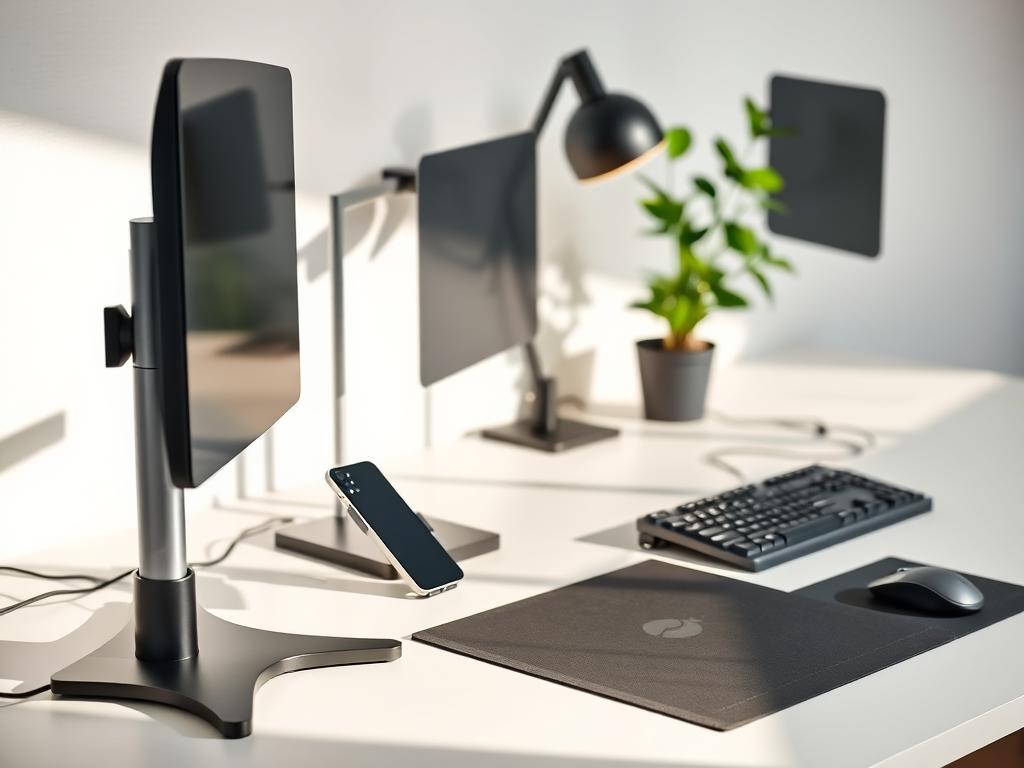
Curved vs. Flat Monitors
The debate is on whether curved or flat monitors better match our eyes. Curved monitors aim to follow our eye’s natural curve. This might help reduce eye strain when using them for a long time.
Studies say curved monitors keep our eyes at a steady distance from the screen. This is good for those who work with big spreadsheets or design apps.
Flat monitors are more common but also good for certain tasks. They’re great for detailed work or when many people need to see the screen. Choosing between curved and flat depends on your work, desk space, comfort, budget, and if you need multiple monitors.
- Primary work tasks and applications
- Desk space and configuration
- Personal comfort preferences
- Budget considerations
- Multi-monitor setup requirements
Monitor Height and Distance Recommendations
Right monitor placement is key for good posture all day. The top of your monitor should be at or just below eye level. This helps keep your neck straight and reduces strain.
For the best distance, keep your monitor about arm’s length away (20-30 inches). This stops eye strain from screens too close and neck strain from leaning forward.
Here are tips for working with multiple monitors:
- Put your main monitor right in front of you
- Make sure secondary monitors are at the same height as the main one
- Arrange monitors in a slight arc for even viewing distances
- Keep screens close to avoid too much head turning
- Use monitor arms for easy adjustments
Adjustable monitor stands and arms are great posture tools. They let you change your monitor’s position easily. This is helpful for different users or changing tasks during the day.
Blue Light Filters
Many office workers complain about eye strain from computer screens. Blue light filters help by cutting down on this light. This can reduce eye fatigue and help you sleep better.
There are many ways to use blue light filters at work:
- Built-in monitor settings that adjust color temperature
- Screen protectors with blue light filtering
- Computer glasses with special coatings
- Software that changes display settings automatically
Blue light filters are very important for those who work late or use computers before bed. They help keep your sleep cycle natural and improve sleep quality.
When picking blue light filters, think about how strong they are and how well they show colors. Designers, for example, need filters that protect their eyes but don’t mess up colors too much.
Enhancing Workflows with Ergonomic Tools
Improving workflow needs focus on ergonomic tools often missed. These tools, like ergonomic chairs and desks, are key. But, special accessories tackle specific physical issues that furniture alone can’t fix. They help prevent strain, improve posture, and make long workdays more comfortable.
Document Holders
Document holders are a vital yet often overlooked tool in offices today. They keep papers at eye level, reducing neck and eye strain. Without them, people move their heads a lot, leading to discomfort.
There are many types of document holders for different needs. Some fit between the keyboard and monitor, while others attach to the screen. These help keep papers close, reducing neck movement.
Digital document holders are great for those who work with digital papers. They adjust to fit tablets or extra screens. This is helpful for those who need to look at papers and screens at the same time.
Document holders do more than just ease neck pain. They also reduce eye strain and help keep posture steady. This small change can make a big difference in health and work performance.
Footrests as Game Changers
Footrests might seem simple, but they greatly improve workplace health. They take pressure off the legs and back, helping avoid sciatic nerve pain. They’re key for those whose feet don’t reach the floor.
Footrests help prevent leg strain and aching. When feet don’t fit comfortably, muscles get stretched too much. Proper foot positioning keeps muscles relaxed, not stretched.
There are many types of footrests, each with its own benefits. Some are fixed, while others rock. Rocking ones help keep blood flowing and prevent stiffness.
Adjustable height options make footrests great for shared spaces. Some even have heating or massage features to boost comfort.
For people of different heights or those with fixed-height desks, footrests are essential. They ensure support from head to toe, greatly improving health and comfort at work.
Trends in Ergonomic Office Equipment
Workplace wellness is now a big deal. Ergonomic office gear is getting smarter and greener. It’s not just about feeling comfy anymore. It’s about using smart tech, getting data, and making things that are good for the planet.
Smart Ergonomic Devices
Technology is making office gear smarter. These new devices help you work better and stay healthy. They use data to make your work space better.
Standing desks with apps are a big step forward. They track how you use them and remind you to move. Some even connect with your fitness trackers.
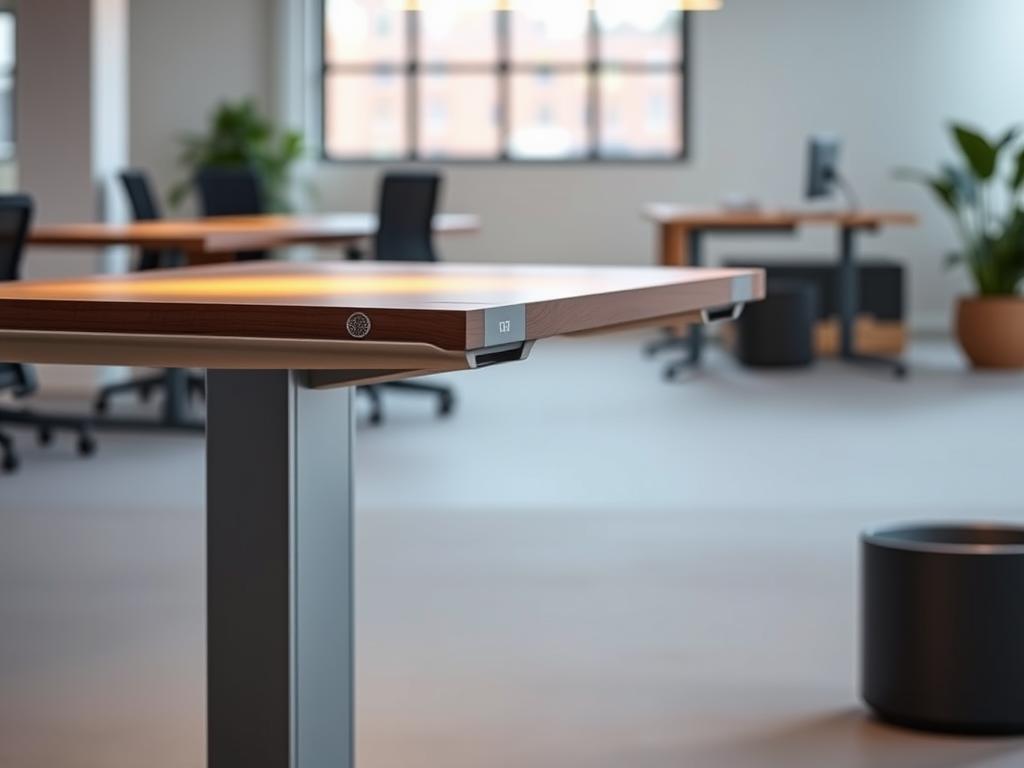
Chairs with sensors now tell you if you’re sitting wrong. They alert you if you’re slouching. This helps prevent back and neck pain.
AI-powered desks adjust to fit you perfectly. They learn your habits and adjust to keep you comfy all day.
Medical tech is also changing office gear. Tools like EMG help make products that are easier on your body. This means less strain and more comfort.
Now, office gear is made to fit you better. It’s not just one size fits all. It’s made for different body types and work styles.
Sustainability in Ergonomics
People care more about the planet. Ergonomic gear is now made with the environment in mind. It’s made from recycled stuff and lasts longer.
Many desks and chairs are made from recycled materials. This cuts down on waste and keeps things durable. It’s good for the planet and for you.
Designs that can be updated are big now. This means less waste and longer life for your gear. You can upgrade parts instead of throwing away old stuff.
Energy use is also important. New desks use less power and have special modes to save energy. This is good for your wallet and the planet.
Companies like Humanscale and Steelcase are leading the way. They focus on making things that are good for the planet. They publish reports and get green certifications.
Buying office gear is now about more than just looks. People want gear that’s good for the planet. This is making companies make greener products.
Standing desks show how tech and green can come together. They’re made from natural materials, use less power, and connect to apps. As we go on, expect even more smart and green office gear.
Conclusion: Investing in Ergonomic Solutions
Creating an efficient office setup is more than looks. It’s an investment in your team’s future. The cost of ergonomic equipment is worth it for the long-term benefits.
Long-Term Benefits
Ergonomic solutions save money on healthcare and reduce time off work. Studies show they prevent injuries like carpal tunnel and back pain. These issues can mean a lot of lost work time.
Companies that focus on ergonomics keep their employees longer. They also stay productive, which is good for everyone.
Encouraging Workplace Well-Being
Using ergonomic equipment shows you care about your employees’ health. It makes your workplace better. This makes everyone happier and more satisfied with their job.
Do ergonomic checks often to keep your workplace safe. Do them at least once a year or when things change.
Steps to Transition to Ergonomic Equipment
Start your ergonomic journey with these steps:
1. Check your workplace to see where you need to improve
2. Start with the most important items like chairs and desks
3. Make a plan to buy ergonomic stuff that fits your budget
4. Teach your team how to use the new equipment right
5. Listen to what your team says and make changes if needed
By adding ergonomic solutions, you make your workplace better. Your team will be healthier and more productive.