
Creating a well-stocked workspace is more than just picking up pens and notepads. The right office must-haves can really help your team work better and feel happier. When teams have what they need, work flows smoothly and deadlines are met.
What starts as a simple list can grow into many items needed for daily work. From basic writing tools to tech accessories, having a full supply inventory stops the constant search for missing things.
Without good planning, work efficiency drops as team members spend time looking for or replacing items. Having all the necessary tools ready when needed makes work easier for everyone.
This guide will show you all the business essentials your team needs every day. By managing these resources well, you’ll make your workspace efficient and free from distractions. The next parts will tell you how to make your workspace organized and efficient.
Understanding the Importance of an Office Supply Checklist
An office supply checklist can really change how well a workplace works. In today’s fast-paced world, even small problems can slow things down a lot. When people spend too much time looking for supplies, it adds up fast.
Having a good system for managing supplies helps a lot. It makes sure teams have what they need right when they need it. This stops the frustration of finding empty cabinets when it matters most.
Why an Office Supply Checklist Matters
An office supply checklist is key to a smooth workplace. Without it, teams waste time looking for supplies or waiting for them to arrive. A well-maintained checklist helps avoid these problems by organizing supplies better.
Office managers can plan ahead by keeping their checklist up to date. This stops them from buying too much or running out of important supplies. It also helps with budgeting by showing how much supplies cost and how they’re used.
For growing businesses, a checklist is even more important. It can grow with the company. This scalable approach keeps the office organized, even when things change a lot.
Key Benefits for Team Productivity
Using a structured office supply checklist has many benefits. It saves time and reduces frustration by making supplies easy to find. When teams have what they need, they can keep working without interruptions.
It also makes things easier for employees. They don’t have to think too much about where to find things or who to ask. This lets them focus on creative and strategic work.
Lastly, it makes sure everyone has what they need. This reduces arguments between departments and makes the workplace better. When everyone has what they need, working together gets easier.
- Maintains appropriate inventory levels to avoid emergency purchases
- Prevents excessive storage of unused items
- Creates consistency in supply availability
- Reduces administrative burden on team leaders
- Supports data-driven purchasing decisions
Thinking carefully about office supplies shows you care about details. This small part of work can really make a difference in how employees feel about their job. When basic needs are met easily, people can focus on new ideas and working together.
Even the breakroom matters for employee happiness. Things like snacks and cleaning supplies need to be restocked regularly. Adding them to your checklist keeps the breakroom ready without constant checking.
Basic Office Supplies Every Team Needs
Every office needs the right basic supplies. Even with digital tools, some physical items are key for daily work. Having these essentials lets your team focus on their tasks.
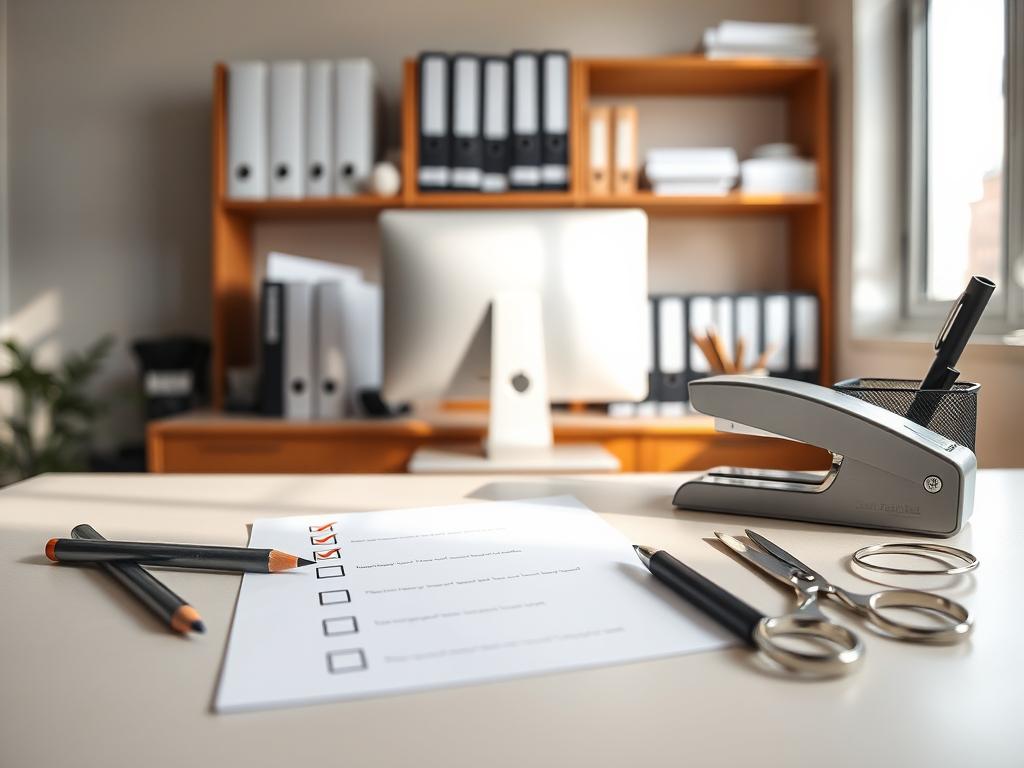
Writing Instruments
Quality writing tools are a must in today’s offices. Having many options helps team members find what works best for them.
Keep a variety of high-quality pens on hand. Blue and black pens are great for signing and notes. Colored pens help with organization and highlighting.
Pencils are also important for initial work and erasable marks. Mechanical pencils with lead are preferred for their consistent lines and no need for sharpening.
- Ballpoint, gel, and rollerball pens in various colors
- Mechanical pencils with lead refills
- Traditional wooden pencils in different hardness grades
- Highlighters in multiple colors for document review
- Permanent markers for shipping and labeling needs
Don’t forget correction products like white-out or correction tape. They help fix mistakes without reprinting. For special needs, consider fountain pens or stylus pens.
Paper Products
Paper is essential, even in digital offices. The right paper ensures you’re ready for all your needs.
Start with standard printer paper (8.5″ x 11″). Use heavier paper (24-32 lb) for important documents. Keep regular weight paper for everyday printing.
Include various notepads for communication and notes. Letter pads, steno pads, and memo pads serve different purposes in a busy office.
- Standard and legal-sized printer paper
- Notepads in various sizes and formats
- Specialized paper (graph paper, cardstock, colored paper)
- Envelopes in multiple sizes (#10 business, catalog, padded)
- Sticky notes in assorted sizes and colors
Choose paper products that are eco-friendly. Options with recycled content and responsible forestry certifications are good for the planet and your office.
Organizational Tools
Good document management and workspace organization are key. The right tools help find information quickly and boost efficiency.
Filing systems need different folders for various document needs. Use hanging files for cabinets and manila folders for grouping. Color-coded folders help find documents fast.
Keep staples, staplers, paper clips, and binder clips for document security. Staples are for everyday binding, while clips and binder clips handle thicker documents.
- Filing folders (hanging, manila, color-coded)
- Binders with divider tabs for reference materials
- Document fasteners (staples, paper clips, binder clips)
- Adhesive products (transparent tape, masking tape, packing tape)
- Desktop organizers (file sorters, pen holders, drawer dividers)
Tools like hole punches, scissors, and paper cutters help prepare materials. Label makers and adhesive labels make files and storage areas easy to identify.
Visual tools like bulletin boards, dry-erase boards, and calendars help track projects. They support team coordination and provide important reminders in busy offices.
Technology Essentials for Modern Offices
Investing in office technology is key to team success. When picking supply inventory, choose tech that fits your business needs. The right tools make work easier and help teams work better together.
Computers and Peripherals
Good computers are the base of a modern office. Think about what each job needs. Basic tasks might need simple computers, but complex jobs need powerful ones.
Desktops are great for sitting down to work. Laptops are better for people who move around. Look at Dell, Lenovo, HP, ASUS, and Acer for top choices.
Key peripherals make computers better and help you work faster. Here are some must-haves for your supply inventory:
- Ergonomic keyboards and mice for long use
- Mouse pads with wrist support
- Monitor stands for the right screen height
- Dual monitors to boost productivity
- Docking stations for laptops
Have both local and cloud storage for your data. External drives and cloud storage keep your data safe. This way, you can get to your files from anywhere.
Networking is the heart of your office. You’ll need routers, switches, and access points. Also, don’t forget surge protectors and UPS to keep your tech safe.
Keep track of your tech with a regular inventory. This helps you know when to update your equipment. It keeps your team working smoothly without surprises.
Printers and Scanners
Even with digital work, printing and scanning are key. The right equipment makes your workflow better and helps manage documents.
Choose printers based on how much you print. Inkjets are good for color and small jobs. Laser printers are faster and cheaper for lots of pages.
Multifunction devices save space and money. They can print, scan, copy, and fax. For digitizing documents, you can use simple scanners or fast document feeders.
Keep a stock of printer supplies like:
- Toner cartridges for laser printers
- Ink cartridges for inkjets
- Special paper for different prints
- Maintenance kits for upkeep
Set up a maintenance plan for your printers and scanners. Service contracts can prevent big problems. Think about the total cost of owning equipment, not just the price.
Cloud printing lets you print from anywhere. It’s great for remote and hybrid work. It keeps your team flexible and your documents safe.
Projectors and Presentation Tools
Good presentation tools make meetings better. They help teams work together and make decisions.
There are many projector types for different needs. Standard ones work well in light rooms. High-lumen ones are better in bright rooms.
When picking projectors, think about:
- How clear you need the image
- The size of the room and audience
- The lighting in the room
- Wireless options for easy setup
- How portable you need it
Interactive whiteboards are great for presentations. They let you write on the screen and save notes. They make meetings interactive and collaborative.
Other presentation tools are important too. Use presentation remotes and speakers to make sure everyone can see and hear. Don’t forget webcams and microphones for remote meetings.
By choosing the right tech, your office will be better for your team. Regularly check if your tech is up to date. This keeps your office competitive in a digital world.
Furniture and Ergonomics Considerations
Choosing the right furniture and focusing on ergonomics are key to a better workplace. Good office supplies help daily tasks, but the work environment is also important. A well-planned workspace boosts productivity and employee health.
Desks and Workstations
Good workstations are the start of a productive office. Look for desks that are both useful and ergonomic. This helps with different tasks.
Most desks are 29-30 inches tall. Adjustable desks fit different body types and help change positions. Sit-stand desks are great for health, as they cut down on sitting.
- Choose desks that are at least 48 inches wide for standard office work.
- Think about desk shapes (straight, L-shaped, or U-shaped) for different work areas.
- Material matters (laminate for cost, wood for looks).
- Include storage (drawers, shelves, or attached pedestals).
- Use cable management to avoid tangles and tripping.
For shared spaces, modular systems are flexible. Plan your layout to balance privacy and teamwork. The height and material of partitions should fit your office’s vibe and sound needs.
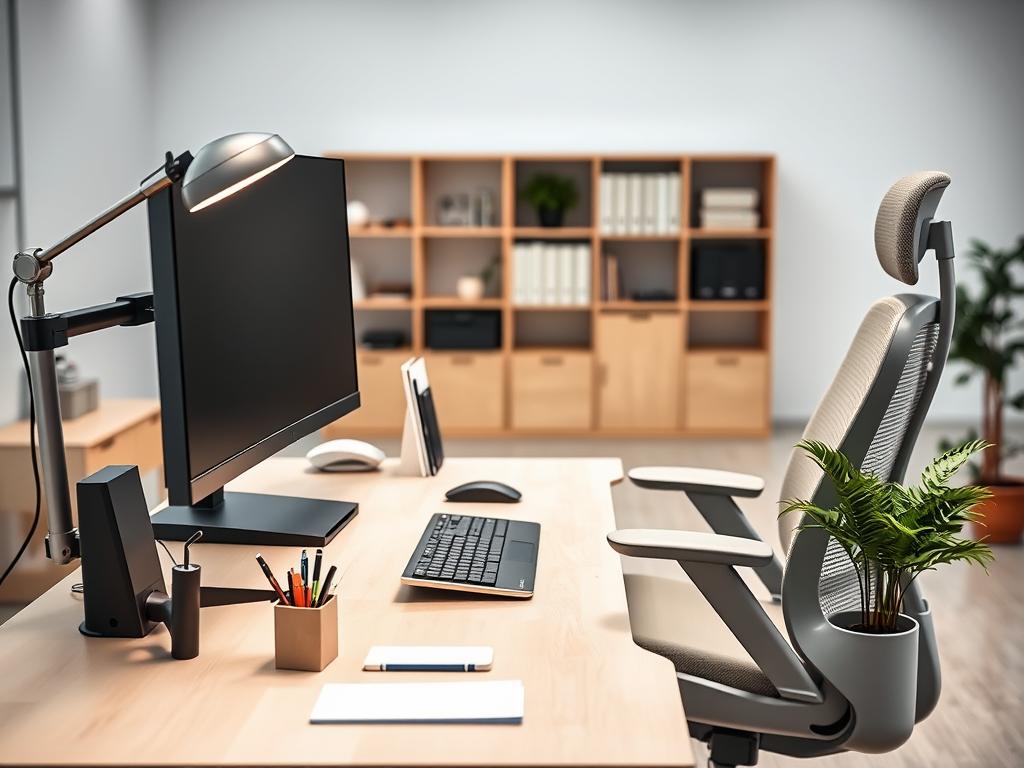
Chairs and Seating
Office chairs are vital for health. Good chairs help with posture, comfort, and long-term health. They’re key for those who sit a lot.
Task chairs should adjust to fit different people and work styles. Look for height, seat depth, armrest, and lumbar support adjustments. Choose breathable materials for comfort.
Chair stability is important for safety and lasting use. Choose bases with five points of contact and the right casters for your floor.
- Invest in ergonomic task chairs for main workstations.
- Choose conference chairs that are comfy yet professional.
- Use chair mats to protect floors and make moving easier.
- Have a mix of seating for different areas.
- Regularly check and adjust chair settings.
While ergonomic chairs cost more upfront, they save money and health in the long run. Teach your team how to adjust their chairs and sit right.
Collaborative Spaces
Good collaborative areas boost creativity, teamwork, and communication. They need careful planning for comfort and function.
Conference rooms should have big tables with power for devices. Make sure there’s room to move. Use flexible furniture for different meeting styles.
Tools like whiteboards and digital displays help teams share ideas. Key elements for great collaborative spaces include:
- Sound-absorbing materials (carpet, panels, ceiling treatments)
- Adjustable lighting for different tasks
- Comfortable seating and table heights
- Technology with easy power access
- A balance of openness and privacy
Casual collaboration areas should have comfy seating for easy chats. These spots should feel relaxed but also support good talks.
Design collaborative spaces for both in-person and remote teams. Add videoconferencing and display options for hybrid meetings. This makes sure everyone can contribute, no matter where they are.
Health and Safety Supplies for a Productive Workspace
Health and safety supplies are key office must-haves that keep your team safe. They also meet legal requirements. A safe workplace stops accidents, handles emergencies well, and follows safety rules.
Having a full supply inventory shows you care about your team’s health. It also cuts down on work stoppages due to injuries or emergencies.
First Aid Kits
Every office needs first aid supplies to fix minor injuries fast. Make sure first aid kits are easy to find and marked well.
A good first aid kit has:
- Adhesive bandages in various sizes
- Gauze pads and rolls
- Adhesive tape
- Antiseptic wipes and antibiotic ointment
- Pain relievers (acetaminophen or ibuprofen)
Think about adding cold packs, burn care, eye wash, and gloves to basic kits. Big offices should have first aid stations everywhere for quick access.
Make sure someone checks and restocks first aid kits often. This way, you won’t run out of important items in emergencies. Keep a list of where first aid kits are in your emergency plan. This helps everyone know where to find them.
Fire Extinguishers
Fire safety gear is key for emergency readiness. Place fire extinguishers all over your office to fight fires.
For most offices, ABC-rated extinguishers work well against common fires:
- Class A fires (paper, wood, cloth)
- Class B fires (flammable liquids)
- Class C fires (electrical equipment)
Put extinguishers where they’re easy to see and reach, near exits and in hallways. Check them monthly to make sure they’re working right.
Get them checked by pros every year. Make sure to update your supply inventory and tell new employees about fire extinguisher locations.
Teach everyone how to use extinguishers with the PASS method:
- Pull the pin
- Aim at the base of the fire
- Squeeze the handle
- Sweep from side to side
Remember, fire extinguishers are just part of fire safety. You also need smoke detectors, alarms, and clear escape routes.
Personal Protective Equipment (PPE)
PPE is important in offices too, not just factories. Today’s office must-haves include PPE to protect against common dangers.
Basic PPE for offices includes:
- Hand sanitizer (containing at least 60% alcohol)
- Disinfecting wipes for high-touch surfaces
- Facial tissues
- Disposable face masks (during periods of elevated illness risk)
- Blue light filtering glasses for computer users
Put supplies where they’re easy to get to. Hand sanitizer near doors and wipes near printers or conference room tech. Choose PPE that’s comfy and works well to encourage use.
Set rules for when to use PPE and how often to replace it. Watch how much you use to plan for future needs. This way, you won’t run out when you need it most.
Having the right protective gear shows you care about your team’s health. It also helps reduce sick days. Check your safety supplies often to keep your office ready for anything.
Cleaning and Maintenance Supplies
The right cleaning and maintenance supplies are key to a healthy, efficient workplace. A clean office boosts employee health, morale, and productivity. Having a good inventory of cleaning essentials and maintenance supplies keeps your workspace professional.
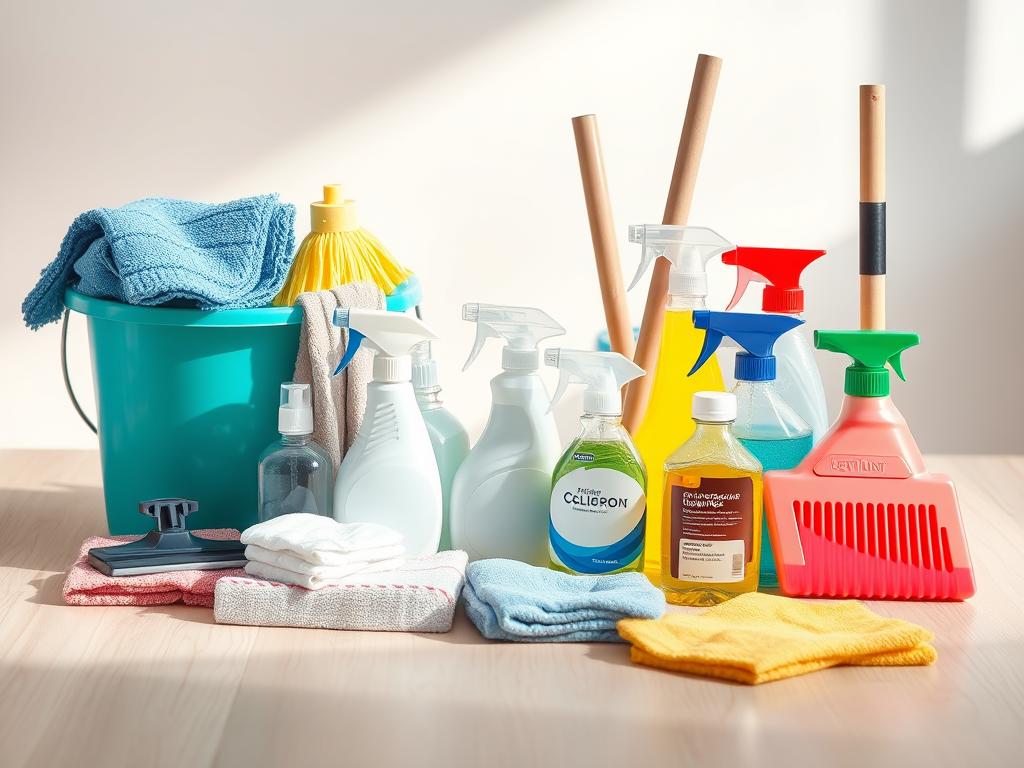
Office Cleaning Products
A good cleaning supply inventory is vital for workplace hygiene standards. Use multipurpose disinfectants for high-touch areas like doorknobs and light switches. These products help fight illness in the workplace.
Modern offices need special cleaning for technology. Use alcohol-based cleaners and microfiber cloths for screens and keyboards. Compressed air canisters are great for cleaning hard-to-reach areas.
Floor cleaning needs vary by surface. Keep the right supplies for your floors—carpet cleaners, hard surface solutions, and more. Don’t forget mops, buckets, brooms, and wet floor signs for safety.
Bathrooms and kitchens need their own cleaning products. Stock toilet bowl cleaners, sink disinfectants, and air fresheners for restrooms. Kitchen areas need food-safe cleaners, dish soap, and paper towels for hygiene.
- Daily essentials: hand soap, sanitizer, disinfectant wipes, facial tissues
- Surface cleaners: all-purpose disinfectant, glass cleaner, electronics cleaner
- Floor care: broom, dustpan, mop, bucket, floor cleaner, vacuum
- Kitchen supplies: dishwashing liquid, dishwasher tabs, sponges, paper towels
- Bathroom necessities: toilet bowl cleaner, air freshener, disinfectant spray
Waste Management Solutions
Good waste management systems are key to office organization and show environmental care. Use the right size bins for different areas. This keeps your office tidy and shows you care about the environment.
Use clear separation systems for recyclables with color-coding and labels. This makes sorting easy and helps keep recyclables clean. Place recycling bins next to trash to encourage responsible disposal.
Paper waste needs a good shredding solution for confidential documents. Shredding protects sensitive info and supports recycling. Choose shredders or secure collection services for this.
Electronic waste needs special handling. Set up collection points for batteries, printer cartridges, and old equipment. Use certified e-waste recyclers to recycle and recover valuable materials.
- Collection essentials: waste baskets, recycling bins, shredding receptacles
- Disposal supplies: garbage bags, recycling bags, bin liners
- Sorting tools: labeled containers, color-coded bins, instructional signage
- E-waste solutions: battery collection containers, toner cartridge boxes
- Maintenance items: bin cleaners, deodorizers, replacement liners
Maintenance Essentials
Proactive maintenance keeps your office running smoothly. Lighting needs bulbs for different fixtures. Use energy-efficient LED bulbs to save energy.
Electrical maintenance needs surge protectors and extension cords. These productivity tools protect equipment and provide flexibility in setup.
Equipment maintenance requires specific supplies. Keep lubricants for shredders, printer cleaning kits, and device-specific maintenance supplies. Regular maintenance saves money and extends equipment life.
Keep a variety of batteries for wireless devices and backup systems. Rechargeable batteries save money and help the environment. They ensure your tools keep working.
- Electrical essentials: batteries, extension cords, surge protectors
- Lighting supplies: various lightbulbs, lamps, fixture replacements
- Equipment care: shredder oil, printer maintenance kits, cleaning supplies
- Emergency items: flashlights, backup power sources, safety equipment
- Basic tools: screwdrivers, pliers, tape, measuring devices
Make a preventive maintenance schedule for all important systems and equipment. Keep detailed records of maintenance procedures. This office organization strategy prevents problems before they start. Use a system to track maintenance supplies to avoid waste.
Supplies for Effective Communication
Even with digital tools, physical supplies are key for work relationships and efficiency. The right tools help share info and show your company’s brand. Make sure your office has the best supplies for both old and new ways of talking.
Stationery for Internal and External Communication
Stationery is a must-have for any business. Good letterhead with your logo and info makes you look professional. It’s important for official letters and proposals.
When picking stationery, think about these things:
- Letterhead with company branding
- Matching envelopes in various sizes
- Notecards for personalized messages
- Greeting cards for client and employee recognition
- Specialty paper for certificates and awards
Digital letterhead that looks like your physical stuff keeps your brand the same everywhere. This helps your team look good whether they send mail or emails.
Design your stationery to look good and work well. Make sure there’s enough room to write. Check that your designs look good when printed or copied.
Whiteboards and Markers
Visual tools like whiteboards are great for teamwork and sharing info. They’re better than digital for some things.
When picking whiteboards, think about these:
- Size and mounting options (wall-mounted, mobile stands, desktop)
- Surface quality (porcelain-coated steel offers superior durability)
- Magnetic capabilities for added functionality
- Grid lines for structured information
- Combination boards with cork sections for posting documents
Keep dry-erase markers in many colors for better organization. Chisel tips are good for detailed work and big highlights. Glass markers are needed for glass partitions.
Keep your whiteboards clean with erasers, solution, and cloths. These are key office must-haves for keeping them in good shape.
Business Cards
Even with digital networks, business cards are important. They give info, show your brand, and make a lasting impression.
Good business cards should have:
- Name and professional title
- Company name and logo
- Phone number and email address
- Physical address (if relevant)
- Website and social media handles
Design should be eye-catching but easy to read. Use your logo and colors. Make sure important info stands out.
Paper quality matters. Cardstock (100-110 lb) is basic, but heavier (130 lb+) looks better. Special finishes like UV coating make cards stand out.
Keep your cards and those you collect organized. Scanning them helps mix old and new ways of networking.
Breakroom Essentials for Staff Well-Being
The office breakroom is key for team members to recharge. It boosts satisfaction and productivity. A good breakroom shows employees are valued.
Quality supplies improve morale and efficiency. This is a smart investment for your team.
Kitchen Supplies
A good breakroom kitchen needs careful planning. Start with the right appliances for your team. This includes a big fridge, a microwave, and enough counter space.
Choosing dishware is important. Reusable items are better for the planet but need more care. Your list should include:
- Dinnerware (plates and bowls)
- Eating utensils (forks, knives, spoons)
- Serving tools for communal meals
- Mugs and glasses for drinks
- Dish soap and sponges for cleaning
Keeping the kitchen clean is key. Add dish towels, a drying rack, and cleaners to your orders. Make sure everyone knows their part in keeping it clean.
Coffee and Beverage Station
The coffee station is the heart of the breakroom. It supports hydration and socializing. Choose brewing equipment that fits your team’s size and taste.
A good station has:
- Coffee maker and/or electric kettle
- Coffee supplies (ground coffee, pods, or beans)
- Tea varieties for different tastes
- Sweeteners (sugar, artificial options, honey)
- Creamers (both dairy and non-dairy options)
- Water cooler or dispenser with hot/cold options
Use productivity tools like inventory tracking. This prevents empty coffee pots or tea. Watch what people use to order just the right amount.
Snack Options
Good snacks make the workplace better. They give energy and satisfy cravings. Choose snacks that are healthy and varied.
Include these snack types in your supply inventory:
- Shelf-stable options (granola bars, nuts, dried fruits)
- Fresh alternatives (fruit, vegetables with dip, yogurt)
- Whole grain options (crackers, popcorn, pretzels)
- Special dietary items (gluten-free, nut-free, vegan options)
- Occasional treats for celebrations or motivation
Decide how snacks are funded. Employer-provided snacks are a nice perk. Cost-sharing can offer more while keeping costs down. Change snacks with the seasons to keep things interesting.
Use productivity tools like delivery services for snacks. This keeps snacks fresh without too much work. Check what snacks are popular to order the right amount.
A well-stocked breakroom shows you care about your team. It helps them recharge and work better. This is good for everyone.
Ergonomic Tools to Enhance Comfort
Ergonomic tools are key to making your office better. They help prevent injuries and keep you comfortable all day. Adding these tools to your office organization makes your workplace healthier and more productive.
Keyboard and Mouse Options
Ergonomic input devices are important for avoiding injuries from computer use. Look for keyboards that fit your team’s needs. This includes both design and user preferences.
Split keyboards and curved designs help keep your hands in the right place. Mechanical keyboards give feedback to help you type better. Membrane keyboards are quieter, great for shared spaces.
Choosing the right mouse is also important. Traditional mice work well, but vertical models are better for your arms. Trackballs are good for small desks because they don’t move your arm.
Wireless mice are easy to move around and don’t get in the way. But, you need to remember to change the batteries. A good mouse pad makes your mouse move smoothly.
Monitor Risers
Monitor risers are key for a good workspace. They make your screen the right height to avoid neck pain. This is important for computer work.
Fixed-height risers are simple and stable. Adjustable ones are better for shared spaces or changing tasks. Choose ones that look good and work well.
Metal stands are strong for heavy monitors. Wood or plastic might fit your office better. Advanced arms let you adjust your monitor in many ways.
For multiple screens, special risers keep everything the same height. This also makes it easier to organize your desk. You can store things under your monitors.
Footrests and Lumbar Supports
Footrests and lumbar supports are extra help for comfort. Footrests support your legs when your chair and desk aren’t the right height. This helps your back and legs.
Adjustable footrests fit different people and shoes. Some have special surfaces or rock to help your blood flow. Lumbar supports keep your spine in the right shape.
These supports come in many types, from simple cushions to adjustable ones. They help prevent back pain. Document holders and anti-fatigue mats are also useful.
Start by fixing the biggest comfort problems first. Everyone is different, so your office organization needs to be flexible. This way, you can meet everyone’s needs.
Office Supply Storage Solutions
Smart storage solutions are key office must-haves. They keep supplies easy to find and look professional. Even with digital tools, physical items need good organization.
Good storage systems help keep things in order. They also make work faster by saving time looking for things.
Good storage helps teams keep track of supply inventory. It stops them from running out or buying too much. The right mix of storage makes workspaces efficient.
Let’s look at the main storage options for every office.
Filing Cabinets
Filing cabinets are key for keeping documents safe and organized. They protect papers from damage and unauthorized access. They are the heart of document management.
Choose filing cabinets based on space and how easy they are to use. Vertical cabinets save space and have 4 or 5 drawers. Lateral cabinets take up more wall space but are easier to use.
The material of the cabinet matters. Metal is strong and safe, while wood or laminate fits with home office styles. For sensitive info, look for strong construction and quality locks.
Organizing files well is important. Use good file systems, labels, and dividers. Make a system that’s easy to use and clear. Use color-coding and have a plan for keeping files up to date.
Shelving Units
Shelving units are great for storing things you use a lot. They use space well and let you see what you have. They’re perfect for supplies and things you need during the day.
Bookcases are good for books and binders. Look for shelves that can be adjusted. Industrial shelving is strong but not as pretty for clients.
Wall-mounted shelving saves floor space. It’s great for small offices. Plan for future needs with modular systems.
Choose shelving based on what you need. Laminate is cheap but looks okay, wood is nicer but more expensive, and metal is durable. Think about how much weight it can hold.
Put things where you use them most. Use bins for small items and bookends for books. Check your supplies often to keep things tidy.
Desk Organizers
Desk organizers keep you focused by keeping things you need close. A tidy desk is key for staying productive. It saves time looking for things.
Use vertical file sorters, multi-compartment systems, and holders for notes. These keep your desk looking good and working well. Drawer organizers make the most of space with adjustable dividers.
Cable management keeps your desk looking neat. Make sure things you use a lot are easy to get to. This helps you work better over time.
Material matters for desk organizers. Acrylic is clear, wood or bamboo is natural, and metal is strong. Labeling shared spaces helps everyone know what’s theirs.
Think about organizing your desk and having a central place for less-used items. Check your organizers often to keep up with your needs. A tidy desk helps you work better and looks professional.
Reviewing and Updating the Office Supply Checklist
Creating an office supply checklist is just the first step. It helps keep your workspace efficient. The best teams see their supply systems as always changing.
They update them as needs and tech change. This keeps your office ready with the right tools. It also stops spending on things you don’t need.
Regular Assessment of Supplies
Make a plan for checking supplies often. Check paper and pens weekly, supplies used a bit more often monthly, and big items every three months. Digital tools like apps or spreadsheets can help a lot.
Set levels for supplies that need to be ordered right away. This keeps work flowing without delays. Use systems that are easy to see and organize to check supplies fast.
Adapting to Team Needs
Make it easy for team members to ask for supplies. Use simple forms or apps to track requests. Ask for feedback to know what your team really needs.
Work from home or hybrid setups need different supply plans. Think about how to help remote workers. Tools that make digital requests easy are very helpful.
The best way to manage supplies is to be ready to change. Regularly check and update your checklist. This makes your office run smoothly and keeps everyone happy.