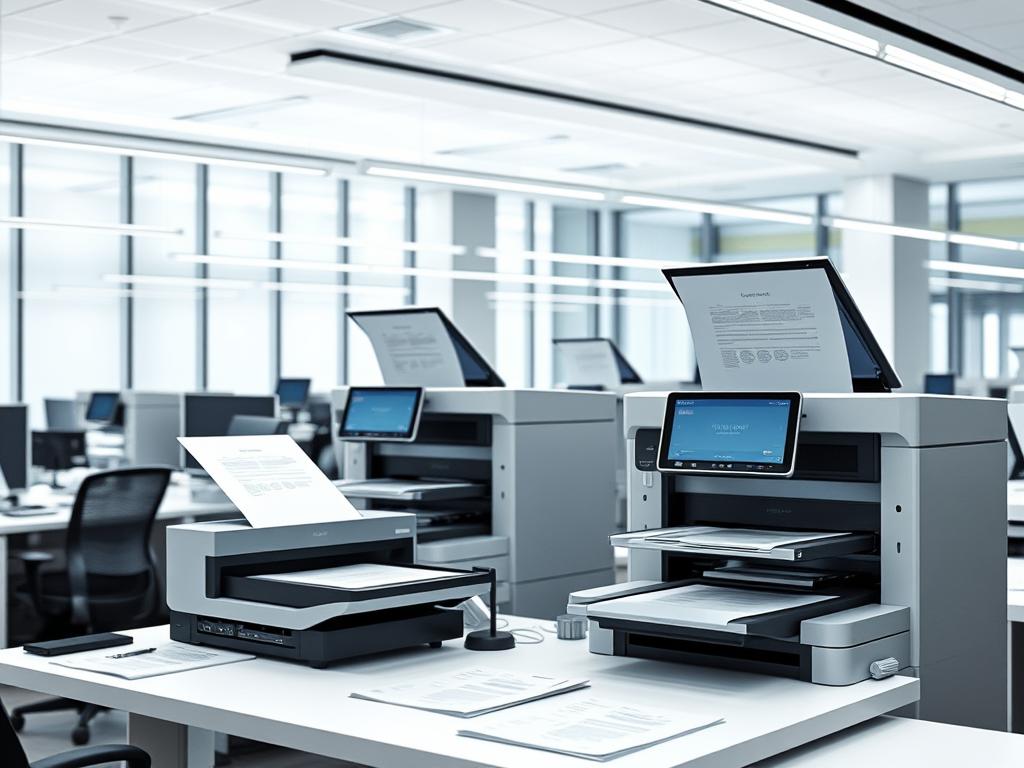
I remember the day our office got its first high-speed scanner. The excitement was high as we unpacked the sleek Fujitsu ScanSnap iX1600. It felt like we were stepping into the future of document management.
That moment marked a turning point in our digital transformation journey. I couldn’t help but marvel at how far office technology had come.
As I watched my colleagues eagerly line up to test the new scanner, I realized how crucial these devices have become. From the marketing team’s need to digitize campaign materials to the finance department’s requirement for secure digital storage, high-speed scanners have become the unsung heroes of modern offices.
The range of options available today is truly impressive. Take the Brother ADS-4900W, for instance. Priced at $650.00, it’s a powerhouse for high-volume office use. Or consider the Epson DS-30000, a beast of a machine that can handle oversize documents and comes with a price tag of $2,499.00.
These scanners aren’t just about speed; they’re about revolutionizing how we handle information.
But it’s not just about the high-end models. I’ve seen small businesses thrive with more affordable options like the Epson Perfection V39 II, available for just $99.99. It’s amazing how these devices have made efficient document management accessible to offices of all sizes.
As we dive deeper into the world of high-speed scanners, we’ll explore the features that make them indispensable in today’s fast-paced business environment. From duplex scanning capabilities to cloud storage compatibility, these machines are redefining office efficiency. Join me as we uncover the essential features that are shaping the future of modern offices.
Understanding Modern Document Management Needs
Digital transformation is changing office work. Businesses now face challenges in managing documents while keeping costs low. Moving from paper to digital is key to staying ahead.
The Digital Transformation Challenge
Document management systems are at the heart of this change. They use both hardware and software to quickly turn paper into digital files. This makes work faster and less prone to mistakes. It’s more than just scanning; it’s about creating a smooth digital space.
Volume Requirements in Contemporary Offices
Today’s offices handle huge amounts of documents every day. Scanners can scan up to 130,000 sheets in a day. That’s why features like automatic document feeders and multi-feed detection are key. They help scan big batches without stopping.
Cost-Efficiency Considerations
Cost-efficiency is not just about the upfront cost. I look at the long-term benefits. Features like automatic separation control and skew correction lower errors and save time. This means less manual work and lower costs over time. Plus, digital storage saves space, reducing real estate costs.
| Feature | Benefit |
|---|---|
| Automatic Document Feeders | Processes large volumes quickly |
| Multi-Feed Detection | Prevents document jams |
| Automatic Separation Control | Reduces errors in scanning |
| Skew Correction | Improves accuracy of scanned documents |
High-Speed Scanners: Core Technology and Capabilities
High-speed scanners have changed how we manage documents. They can scan up to 140 pages per minute. This is much faster than the 20-40 pages of home scanners.
These scanners use advanced technology for better scanning. They have CCD sensors and 3-line technology for clear images. They can scan documents in simplex or duplex mode.
They also have smart multi-feed detection to avoid paper jams. This keeps documents safe during fast scans. Automatic image optimization makes documents easier to read and understand.
For businesses needing the best, scanners like the fi-8950 are perfect. They can scan up to 120,000 documents a day. This makes them great for busy offices.
Speed and Performance Metrics
Scanning speed is key for office work. Pages Per Minute (PPM) shows how fast a scanner is. Top scanners can scan up to 150 PPM, making work faster.
Pages Per Minute (PPM) Standards
PPM changes with scanner types. Workgroup scanners scan 20-30 pages per minute. Departmental scanners can do 30-60 PPM. For the most, production scanners scan 60-200 PPM. Pick one based on your needs and budget.
Color vs. Monochrome Scanning Speeds
Color scanning is 50 to 150 PPM. Monochrome is faster, great for text. Think about your documents when choosing a scanner.
Duplex Scanning Capabilities
Duplex scanning scans both sides at once. This boosts speed, up to 300 images per minute. It’s best for offices with lots of double-sided documents.
| Scanner Model | Overall Score | Scanning Speed (PPM) | Performance Rating |
|---|---|---|---|
| Canon ImageFORMULA R40 | 92 | 17 | 9.5 |
| Fujitsu ScanSnap iX1600 | 91 | 67 | 8.8 |
| Epson WorkForce ES-60W | 84 | 8 | 8.0 |
| Fujitsu Fi-8170 | 78 | 21 | 6.5 |
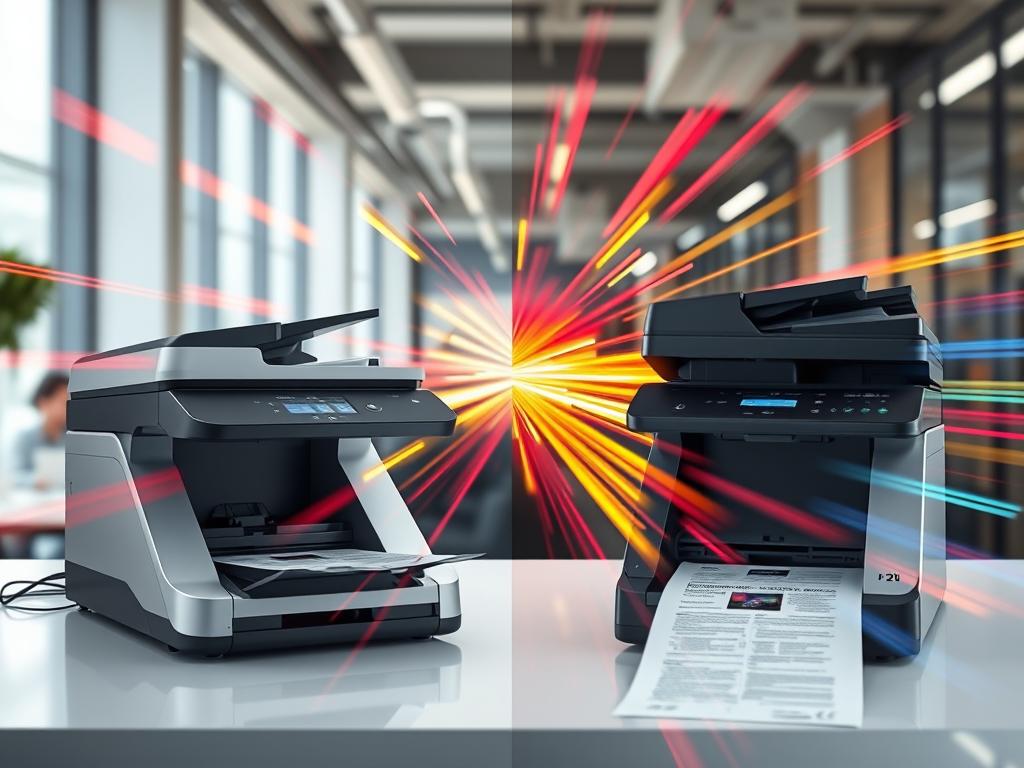
When picking a scanner, think about PPM and other features. Faster scanners mean less waiting and more work done.
Advanced Paper Handling Features
High-speed scanners are changing the game in document management. I’ve seen how these machines can process tens of thousands of sheets daily. Let’s look at the key features that make this possible.
Automatic Document Feeders (ADF)
ADFs are the heart of high-speed scanners. They can handle up to 500 documents at once. This means less time loading papers and more time scanning.
The RICOH fi-7700, for example, scans 100 pages per minute. It can scan 44,000 documents daily.
Multi-Feed Detection Systems
Paper jams can slow down scanning. That’s where multi-feed detection comes in. It quickly spots when multiple pages are fed at once.
This feature is crucial. 67% of decision-makers rate reliable feeding as important when choosing a scanner.
Paper Path Technologies
Modern scanners use smart paper handling tech. They can scan everything from thin receipts to thick plastic cards. Some even have U-turn paths for tight spaces.
These advances make scanning faster and more reliable.
| Feature | Benefit | Impact |
|---|---|---|
| ADF Capacity | Up to 500 sheets | Less loading time |
| Multi-Feed Detection | Prevents jams | Improves efficiency |
| Flexible Paper Paths | Handles various materials | Versatile scanning |
Document Quality and Resolution Options
Scan quality is key in high-speed scanners. The optical resolution, in dots per inch (DPI), shows how much detail a scanner can capture. For everyday office use, 300 DPI is enough. But for archiving important documents or scanning fine art, I choose 600 DPI or higher.
Resolution affects image processing a lot. Higher resolutions mean clearer scans. This is crucial for keeping documents intact. It’s great for small text or detailed graphics. Plus, it makes text recognition easier.
Modern scanners have cool image processing features. Automatic image rotation and background cleanup improve scan quality a lot. These features save time and make results look professional. For color-sensitive materials, 3-Dimensional Color Correction technology is amazing.
When picking a scanner, I look at both speed and quality. Some scanners, like the FI-8170, scan 70 pages per minute and still have high resolution. This mix of speed and quality makes high-speed scanners essential in today’s offices.
Connectivity and Integration Features
Modern scanners come with many connectivity options. The Brother ADS-4300n has Ethernet and USB 3.0 for easy network use. This makes it easy to fit into any office setup.
Network Integration Options
Today’s fast scanners support many scan drivers. This includes TWAIN, WIA, ISIS, and SANE. The Brother ADS-4300n works with Windows, macOS, and Linux.
Cloud Storage Compatibility
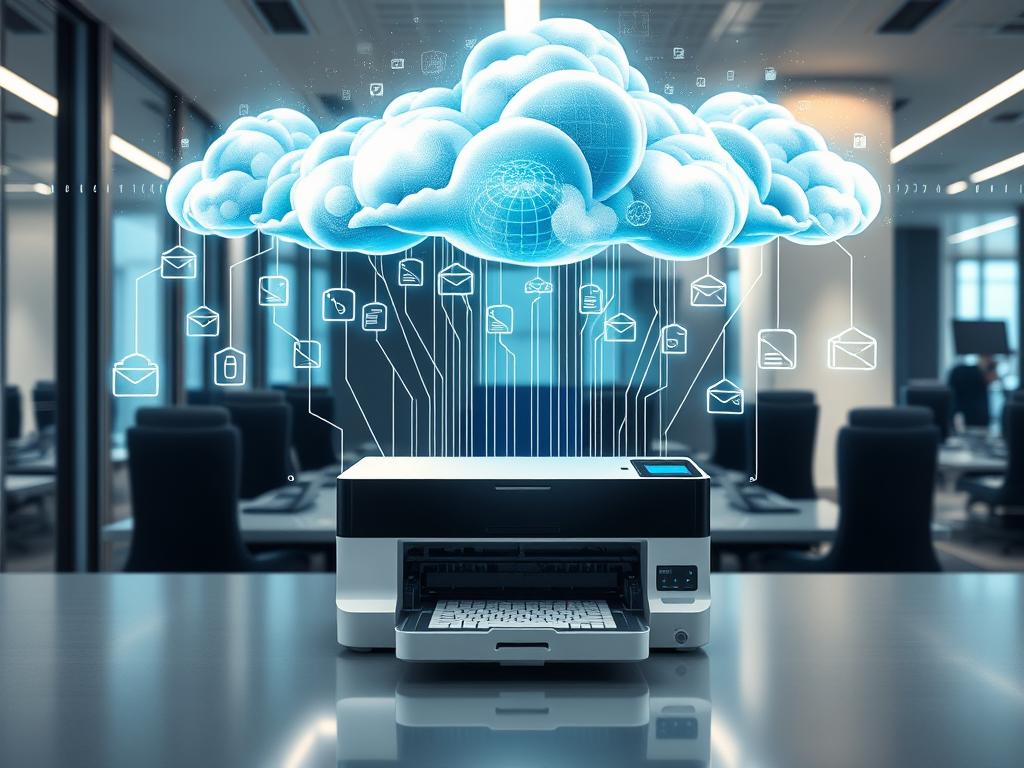
Cloud storage is key in document management now. Scanners like the Brother ADS-4300n can scan directly to the cloud. This makes sharing documents easier for teams.
Mobile Device Support
Mobile scanning is big in today’s work world. Many scanners, like the Brother ADS-4300n, have apps for scanning on phones and tablets. This lets users scan and share documents anywhere.
| Feature | Brother ADS-4300n | Industry Standard |
|---|---|---|
| Scan Speed (Simplex) | 40 ppm | 30-60 ppm |
| ADF Capacity | 80 pages | 50-100 pages |
| Connectivity | Ethernet, USB 3.0 | USB, Ethernet, Wi-Fi |
| Mobile Support | Yes | Varies by model |
Software Solutions and OCR Technology
High-speed scanners work with powerful software to make document management easier. OCR technology is a big help here. It turns paper documents into digital files that you can edit, making work faster in many fields.
Document Management Software
Document management software is key to running an office well. It helps sort, file, and find scanned documents fast. With a trust score of ★★★★☆ from 283 reviews, it shows it’s reliable for today’s offices.
Text Recognition Capabilities
OCR software is great at recognizing text from different sources. It works well with printed and handwritten documents. This makes it very useful for companies wanting to go digital with their records.
File Format Support
Being able to handle many file formats is important for easy use. OCR software supports formats like PDF, JPEG, and TIFF. This means digitized documents can be shared and accessed on various platforms without trouble.
| Feature | Benefit |
|---|---|
| OCR Technology | Converts images to editable text |
| Document Management Software | Organizes and retrieves files efficiently |
| File Format Support | Ensures compatibility across systems |
Maintenance and Durability Considerations
High-speed scanners are made to last. They can handle a lot of work, scanning up to 130,000 times a day. This is great for places like hospitals, factories, and banks where papers never stop coming.
Keeping scanners in good shape is important. I suggest getting them serviced by pros at least once a year. This helps find problems like dust or worn parts early. It also keeps the colors right and the images clear.
Scanners like the RICOH fi-7700 are built to last. They can scan 100 pages in just one minute. They can even handle 44,000 documents every day. To keep up this speed, they often have self-cleaning features and parts that are easy to get to.
Here are some things that help a scanner last longer:
| Factor | Impact on Scanner Life |
|---|---|
| Regular Maintenance | Reduces wear and tear, extends scanner life |
| Software Updates | Improves scanning speed and image quality |
| Proper Handling | Maintains scanning speed and prevents damage |
| Routine Inspection | Identifies potential issues early |
By paying attention to these points, you can make your scanner last longer. This way, it can keep up with your office’s busy work for many years.
Cost Analysis and ROI
When looking at high-speed scanners, I first do a cost analysis. Scanner prices range from $100 for simple ones to over $3,000 for top models. It’s key to compare these costs with the benefits they might bring later.
Initial Investment and Operating Expenses
The cost of scanners is just the start. You also have to think about ongoing costs like ink, power, and upkeep. High-end scanners might cost more upfront but can save money in the long run. For example, Xerox departmental scanners are reliable and fast, saving a lot of time.
Assessing Long-term Value
To figure out ROI, I look at scanning volume, time saved, and better document management. Leica 3D scanners, for example, quickly gather millions of data points. This makes data collection and processing faster, helping teams work better together and saving money in industries like construction and manufacturing.
Choosing the right scanner can really boost productivity. Xerox production scanners with Parallel Scanning technology have changed the game for big projects. They make workflows more efficient, making employees happier and customers more satisfied with faster service and easy access to information.
Office Scanners: In today’s digital world, an office scanner is essential for any business or home office. It helps digitize important documents, saving space and reducing clutter. Look for a scanner that’s compact, easy to use, and fits your device. Some scanners have extra features like document feeder capacity and scanning resolution.
High-Speed Scanning: For offices dealing with lots of documents, high-speed scanning is a big help. It offers features like scanning multiple pages at once and high-resolution images. This makes it great for businesses with tight deadlines and sensitive documents.
Scanner Buying Guide: When buying a scanner, consider what you’ll be scanning most. Think about the scanner’s resolution, speed, and how many pages it can handle at once. Features like automatic document feeders and wireless connectivity are also important. By understanding these factors, you can find the right scanner for your office needs.
| Scanner Type | Initial Cost | Operating Expenses | Potential ROI |
|---|---|---|---|
| Basic Office Scanner | $100 – $500 | Low | Moderate |
| Departmental Scanner | $500 – $2,000 | Medium | High |
| Enterprise-Grade Scanner | $2,000 – $3,000+ | High | Very High |
Conclusion
High-speed scanners are changing the game for offices today. They help make offices more efficient and easier to manage documents. These scanners can scan up to 110 pages in just one minute.
Brands like Fujitsu, Canon, and Epson lead the way. Fujitsu’s fi-7600 series scans 100 pages per minute. Canon’s imageFORMULA DR-G2110 scans the fastest at 110 pages per minute. Epson’s WorkForce DS-970 scans 85 pages per minute.
Choosing the right scanner is important. Look at how it handles documents, its OCR abilities, and how it connects. These details can make a big difference in your work. A good scanner can cut costs by 10-20% and boost productivity.
I’ve seen how these scanners change offices. They’re not just machines; they’re tools that make work easier. If you want to improve your office, a high-speed scanner could be the answer.
FAQ
What are the essential features of high-speed scanners for modern offices?
How do high-speed scanners help with digital transformation challenges?
What technologies do high-speed scanners use?
What are the typical scanning speeds for high-speed scanners?
What are the key paper handling features in high-speed scanners?
What resolution options do high-speed scanners offer?
What connectivity options are available in modern high-speed scanners?
What software solutions come with high-speed scanners?
How durable are high-speed scanners?
What factors should I consider when assessing the cost and ROI of a high-speed scanner?
How do high-speed scanners improve office efficiency?
Source Links
- https://www.scanstore.com/Document_Scanners/High_Speed_Scanners/high_speed_scanner.asp – High Speed Scanner – Compare features, user reviews and expert service
- https://www.pcmag.com/picks/the-best-scanners – The Best Scanners for 2024
- https://www.revolutiondatasystems.com/what-is-a-document-management-system – Document Management Systems (DMS) — Revolution Data Systems
- https://www.pfu-us.ricoh.com/guide/document-scanners?srsltid=AfmBOopEfcNBSM2XmXSxEIvPEraX86abziK43XKS88nOhDbDRW_ISwUk – Document scanners: Everything you need to go digital in 2024 – Top document scanners for families & businesses – Ricoh Scanners
- https://www.electronicofficesystems.com/2023/10/13/what-is-document-management-and-how-does-it-relate-to-commercial-document-scanners/ – What is document management and how does it relate to commercial document scanners?
- https://ambir.com/document-scanners/ – Ambir Document Scanners
- https://www.pfu-us.ricoh.com/blog/high-speed-scanner?srsltid=AfmBOopgaBteHsXdU1bx38nl0aO-UVJj0PEI-sgym5bD8Us46L5Nx71h – How To Find The Right High Speed Scanner – Efficiency, Speed & Quality – Ricoh Scanners
- https://www.ibml.com/blog/the-benefits-of-high-speed-scanning-technology/ – Intelligent Scanners | Why Use a High Speed Scanner | ibml
- https://www.electronicofficesystems.com/2023/09/30/how-does-the-scanning-speed-of-a-scanner-impact-the-copying-speed-of-a-multifunction-copier/ – How does the scanning speed of a scanner impact the copying speed of a multifunction copier?
- http://documentmedia.com/article-411-Six-Considerations-in-Selecting-a-Scanner.html – Six Considerations in Selecting a Scanner
- https://www.techgearlab.com/topics/small-and-home-office/best-scanner – The 5 Best Scanners of 2024
- https://www.pfu-us.ricoh.com/blog/high-speed-document-scanners?srsltid=AfmBOoqy35v9iSgWKEiFTYj3UbA6Cvyk8MWvh3eWOz8MSy9L770JDW-8 – High Speed Scanners: 9 Key Features and Advantages – Ricoh Scanners
- https://www.alarisworld.com/en-us/insights/articles/document-scanner-paper-handling – Optimal Document Capture Begins With Paper Handling | Kodak Alaris
- https://www.securescan.com/articles/document-scanning/resolution-matters-your-guide-to-scanning-resolution/ – Resolution Matters: The Ultimate Guide To Scanning Resolution
- https://www.scanstore.com/Document_Scanners/High_Speed_Scanners/high_end_document_scanner.asp – High End Document Scanner – Compare features, user reviews and expert service
- https://www.washington.edu/accesstech/documents/scans/ – High-quality scans
- https://www.brother-usa.com/-/media/brother/product-catalog-media/documents/ads-4300n-2-page-brochure.pdf?srsltid=AfmBOooGac0kpwXzW16GdBB7BEZB9VDs8Q_DVt2KBS5FTox8-vXQrF1A – PDF
- https://www.pctel.com/products/test-measurement/scanning-receivers/ – Scanning Receivers | Test & Measurement | PCTEL
- https://www.scanstore.com/document_scanners/high_speed_scanners/best_high_speed_scanner.asp – Best High Speed Scanner – Compare features, user reviews and expert service
- https://www.docsumo.com/blogs/ocr/software – Top 10 Best OCR Software for Accurate and Fast Text Recognition
- https://www.irislink.com/ – IRIS Official Store | Shop for Scanners, PDF, OCR software and More
- https://www.pfu-us.ricoh.com/blog/high-speed-document-scanners?srsltid=AfmBOoqMihUXVSGh21-tzSaL8gv3-H02_dOdOK9ZrC7oaqgZSw7cSo9j – High Speed Scanners: 9 Key Features and Advantages – Ricoh Scanners
- https://www.electronicofficesystems.com/2023/09/14/what-are-the-best-practices-for-regular-maintenance-of-scanners-to-ensure-consistent-scanning-speed-and-image-quality/ – What are the best practices for regular maintenance of scanners to ensure consistent scanning speed and image quality?
- https://microcad3d.com/maximizing-roi-scanners-leica-maximizing-matching-investment/ – Maximizing ROI with Leica Scanners: How to get the most out of your investment
- https://www.xeroxscanners.com/en/insights/7-ways-document-scanners-help-you-go-digital-and-capture-roi/?srsltid=AfmBOooDVKQxhF2X0EctAyacpFfohuWKs4J2mYFq1THVyFYo6sAZKgBp – 7 Ways Document Scanner Help You Go Digital and Capture ROI – Xerox Scanners
- https://ctgafrica.com/the-need-for-speed-exploring-the-best-high-speed-scanners-for-streamlined-document-management/ – Digitize Faster: Top Picks for High-Speed Scanners
- https://mbmnewtech.com/get-heavy-duty-scanners-for-business/ – What You Missing Out on without Heavy Duty Scanners