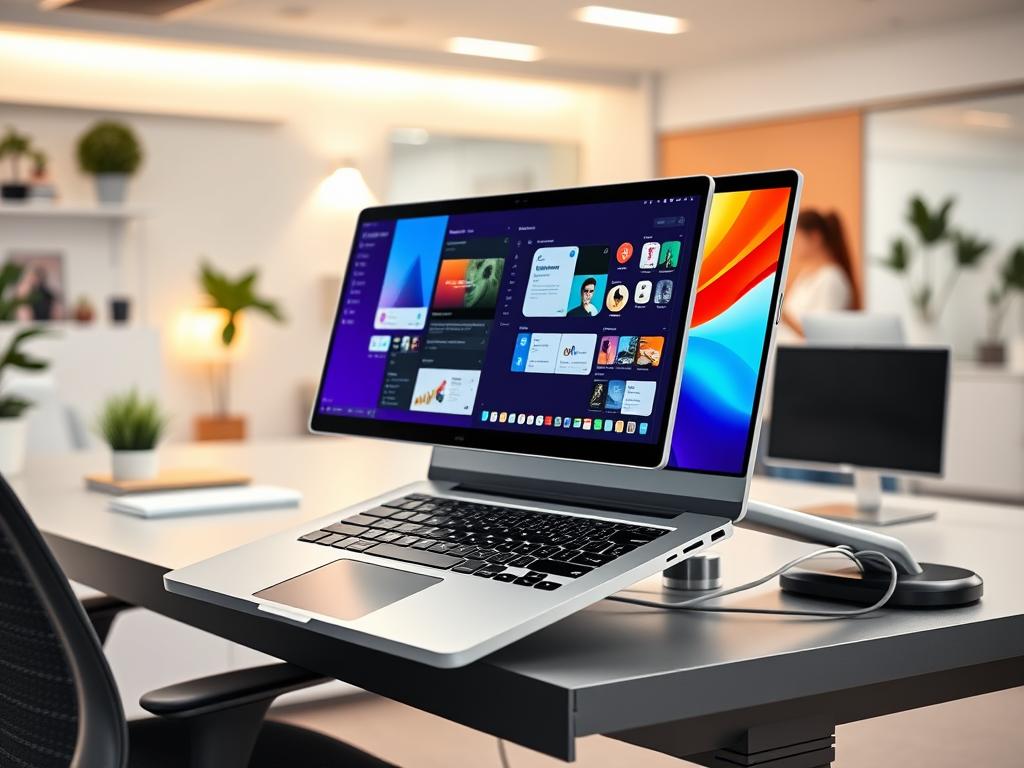
Imagine you’re on a tight deadline, trying to do many things at once on your laptop. It’s frustrating to keep switching between windows. But, what if you could double your screen space with a simple clip-on device? That’s what a laptop screen extender does.
The Teamgee Laptop Screen Extender claims to increase productivity by 100%. It turns your single-screen laptop into a powerful tool. With a 12.1″ display and 1080P FHD resolution, it feels like having a second brain.
This tool works with laptops from 12″ to 16″. It’s compatible with Mac, Windows, Dex, Android, and Harmony systems. It also works with PCs, mini PCs, set-top boxes, and gaming consoles.
The specs are impressive: 1000:1 static contrast ratio, 60Hz refresh rate, and 230 CD/m² brightness. These features make the visuals clear, smooth, and easy on the eyes. Plus, it comes with a one-year warranty, so you can work on dual screens without worry.
For professionals in many fields, this portable monitor is a big deal. It’s not just about having more screen space. It’s about working smarter, analyzing data quicker, and performing better wherever you are.
Ready to boost your productivity? Let’s see how a laptop screen extender can change your work routine.
Overview of Laptop Screen Extender
A laptop screen extender is a portable device that makes your laptop screen bigger. It helps you work better and makes your digital space better. For example, the Siaviala S6 adds 44 inches to your screen when used with a 13-inch laptop.
Definition of a Laptop Screen Extender
A screen extender is an external monitor that connects to your laptop. It makes a dual screen setup. This gives you more space to see different windows or apps at once. The S6 model has two 15.6-inch monitors, each with three USB-C ports.
Key Features and Specifications
Laptop screen extenders have high-resolution displays. The S6 has Full HD (1920×1080) on each monitor. It’s light, weighing 2.3 kg, and easy to carry.
They work in both landscape and portrait modes. This lets you arrange your screens however you like.
Benefits for Users
Screen extenders can really help you work better. They can make you up to 42% more productive, especially in tasks that need lots of detail. Having two screens helps you do more things at once.
Yes, using them might use more battery. But for many, the benefits are worth it.
Enhancing Productivity with Dual Screens
Dual screens have changed how we work. They make us more productive and efficient. More screen space is now popular among many professionals.
Why More Screen Real Estate Matters
Using two screens can make you up to 42% more productive. It lets you spread apps across screens, making tasks easier. 92% of users say they work better with a second monitor.
Improved Multitasking Capability
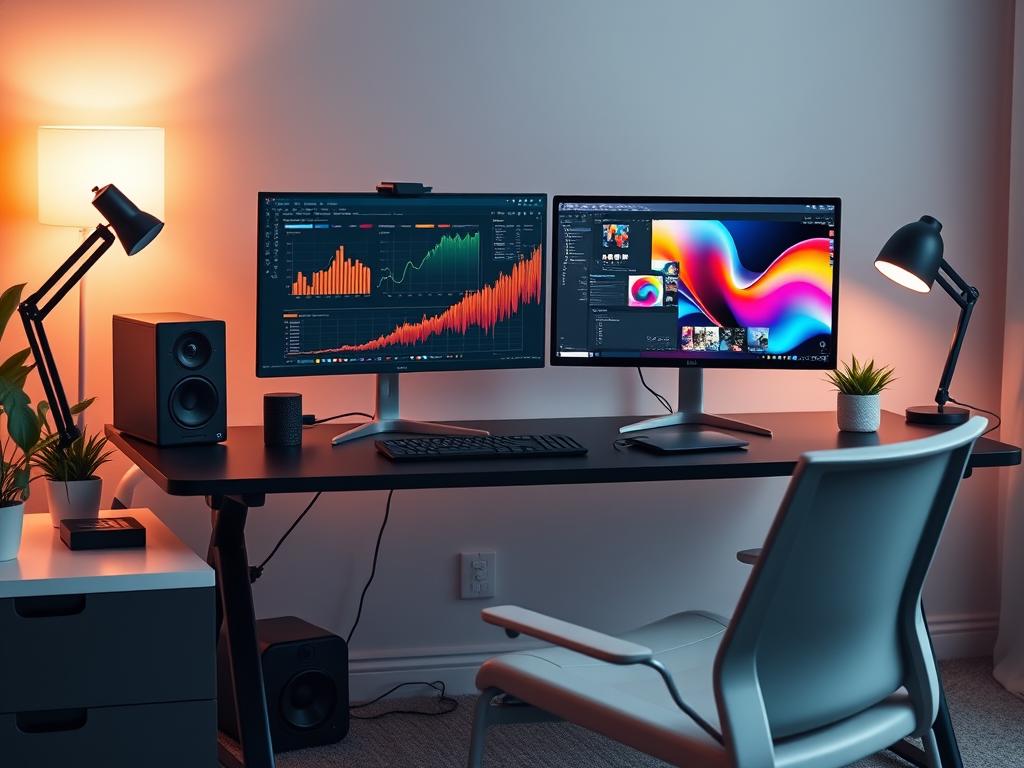
A portable monitor makes your workspace better for multitasking. 37% of workers say they focus better with two screens. This setup helps manage calls and projects at the same time.
Creative and data-heavy jobs see a 20% to 50% productivity boost. Tasks like coding and graphic design get better with more space. You don’t have to switch windows as much, saving time and energy.
- Manage multiple applications without constant switching
- Enhance focus and reduce distractions
- Improve workflow for complex tasks
- Boost overall efficiency in daily work routines
Portable monitors cost between $100 to $300. Getting a dual screen setup is a smart investment. It greatly improves your work area and output. More screen space is a key tool for those wanting to work better.
Data Privacy and Its Importance
In our digital age, keeping data private is very important. This is especially true for those using laptop screen extenders. With more people working from home or in public, there’s a higher chance of sensitive info getting out.
The Role of Data Privacy in Today’s Digital Age
Data privacy is key to keeping personal and work info safe. As laptop screen extenders become more common in public, the need for privacy grows. A study found that 70% of remote workers worry about their info being seen in public.
Working in places like cafes and airports makes data more vulnerable. About 50% of people work from these spots, raising the risk of their info being seen by others.
Understanding Data Breaches and Their Impact
Data breaches can harm both individuals and companies a lot. In places like airports, over 80% of travelers glance at others’ screens. This shows how vital privacy is for those using screen extenders on the go.
To lower these risks, many are using privacy filters for their laptop screen extenders. These filters can cut the chance of someone seeing your screen by over 90%. They help keep data safe and make working in public more comfortable.
History and Evolution of Encryption
Encryption has changed a lot over time. It started with simple ciphers to keep messages safe. As technology got better, so did encryption, just like portable monitors and dual screens.
Early Forms of Encryption
Long ago, ancient people used basic ciphers to hide messages. The Spartan scytale, a wooden rod for wrapping parchment, was an early tool. These early steps helped create more advanced encryption methods.
Major Milestones in Encryption Technology
The 20th century saw big steps forward in encryption. The Enigma machine, used in World War II, was a big deal. Its complex design kept codebreakers guessing for years. This time was like the start of dual screen technology, both making information handling better.
The Rise of Digital Security
The digital age brought new problems and answers. In 1989, the first ransomware attack asked for $189. By 2013, CryptoLocker, with a 2048-bit RSA key, made $27 million in two months. These events showed we really need strong encryption now.
Now, encryption is key for keeping data safe on portable monitors and dual screens. As we use digital devices more, keeping data safe is even more important. Encryption keeps getting better, facing new threats and technologies in our connected world.
How Encryption Works
Encryption is key to keeping data safe, especially with devices like laptop screen extenders. Knowing how it works helps users protect their info better.
Principles of Encryption Technology
Encryption turns readable data into a secret code. It uses complex algorithms to mix up the info, so it’s unreadable without the right key. When you use a screen extender with your laptop, encryption keeps data safe between devices.
Types of Encryption Algorithms
There are many encryption types, each with its own security level. Symmetric encryption uses one key for both encoding and decoding. It’s common in screen extenders for fast, secure data sharing. Asymmetric encryption uses two keys – public and private. It’s better for sharing sensitive info across many devices.
- AES (Advanced Encryption Standard): Widely used in laptop screen extenders
- RSA: Ideal for secure communication between laptop and external displays
- End-to-end encryption: Ensures data remains encrypted from source to destination
Using these encryption methods, users can work on their laptops without worrying about data safety. Whether it’s for secret projects or just browsing, encryption keeps your info safe on all your screens.
Digital Signatures and Verification
In today’s digital world, keeping things safe is very important. This is true for using portable monitors and dual screens for work or fun. Digital signatures help make sure our online messages are real and safe.
What Are Digital Signatures?
Digital signatures are like electronic fingerprints. They show who sent the message and if it’s real. They’re like handwritten signatures but safer. Using a portable monitor or dual screen helps keep your data safe with digital signatures.
The Importance of Verification in Security
Checking things out is crucial for keeping digital messages safe. It makes sure the info on your portable monitor or dual screen is correct. This is especially important for sensitive info or money deals.
For example, the ASUS ZenScreen is a top portable monitor with strong security. It’s tested for shock and temperature. This, along with digital signatures, makes using dual screens safe.
It doesn’t matter if you have a fancy portable monitor like the ViewSonic VX1655-4K-OLED or a cheaper one like the ViewSonic VG1655. Using digital signatures and checks makes your data much safer.
Benefits of Data Encryption
Data encryption is key to keeping sensitive info safe. It’s very important when using devices like laptop screen extenders. Encryption acts like a shield, protecting your data from unwanted eyes and threats.
Prevention of Unauthorized Access
Encryption is a strong wall against unauthorized access. When using a screen extender, you handle private info on many screens. Encryption makes sure even if someone gets your device, they can’t see your data.
Safeguarding Sensitive Information
With a laptop screen extender, you work with sensitive data on a bigger space. Encryption scrambles this data into code no one can read. Only those with the right key can see the real data.
Encryption is crucial when working from home or in public. It keeps your data safe, even if your device is lost or stolen. Remember, a data breach costs $3.86 million on average, showing encryption’s financial value.
Applications of Encryption in Everyday Tools
Encryption is key in our digital lives. It keeps emails and files safe. Let’s see how it works in everyday tools and for businesses.
Email Encryption Solutions
Email encryption keeps our messages private. PGP, created in 1991, is a top choice for email security. It lets users send encrypted messages without sharing private keys.
Many email clients, like Thunderbird and Outlook, have PGP add-ons. ProtonMail also supports PGP encryption.
Secure File Sharing and Storage Options
Several tools protect files well. AxCrypt costs $45 a year and lets users edit encrypted files easily. Folder Lock, at $39.99, offers secure online backup.
Xecrets Ez Premium is simple and costs just $15. It doesn’t need the internet.
Business Applications and Best Practices
Businesses often pick PGP for strong security. But, it might need user training. When using a portable monitor or dual screen, encrypt all displays.
This keeps data safe, even on extended screens. Remember, encryption doesn’t hide your identity – email addresses can still be found.
For the best security, use tools with AES encryption, approved by the US government. Also, manage accounts securely to lower risks. By doing this, you can protect your data well in today’s digital world.
Challenges and Limitations of Encryption
Encryption is key in keeping data safe, especially with laptop screen extenders. But, it has big challenges in being used right. Finding a balance between being secure and easy to use is hard for everyone.
Usability for Non-Technical Users
Many people struggle with encryption because it’s hard to understand. A study showed 93% of people don’t get disk encryption. This lack of knowledge can lead to bad choices.
For example, a 2010 study found 42% of workers share secret documents on unsecured devices. This shows how hard it is to keep data safe.
Common Obstacles to Effective Encryption
Even with encryption tools, they can be hard to use. A study on PGP 5.0 found it not good for most users. Another study on TrueCrypt said it was hard to understand because of its complex terms.
These problems make encryption less effective, especially with laptop screen extenders. The results can be very bad.
In 2013, Horizon Blue had two laptops stolen. These laptops had data on 840,000 customers’ health records. This shows we need easy-to-use encryption for all devices, including laptop screen extenders.
FAQ
Q: What is a laptop screen extender?
Q: How does a screen extender connect to my laptop?
Q: Can I use a screen extender with any laptop?
Q: How does a dual screen setup improve productivity?
Q: Are screen extenders safe to use with sensitive data?
Q: What is encryption, and why is it important for screen extender users?
Q: How can I ensure my data is secure when using a portable monitor?
Q: What are digital signatures, and how do they relate to screen extenders?
Q: Are there any performance issues when using encryption with screen extenders?
Q: What should I consider when choosing a screen extender for my workspace?
Source Links
- https://medium.com/@WorkView/teamgee-laptop-screen-extender-review-a-comfy-eye-saver-563b1994c1db – Teamgee Laptop Screen Extender Review: A Comfy Eye Saver
- https://kefeya.com/ – Kefeya | Portable Laptop Monitor Extender
- https://www.tomsguide.com/computing/monitors/i-just-tried-this-laptop-screen-extender-and-its-almost-the-triple-monitor-setup-of-my-dreams – I just tried this laptop screen extender to up my laptop multitasking game — here’s how it went
- https://www.techradar.com/pro/s6-triple-laptop-screen-extender-review – Maxfree S6 Triple Laptop Screen Extender review
- https://fopomonitor.com/blogs/news/laptop-screen-extender-pros-and-cons?srsltid=AfmBOoo6NDn7KuKq1cObFMXUQl38F4qCdYW-cocbIZX8SGnp_1d-nqnB – Laptop screen extender: pros and cons?
- https://www.duetdisplay.com/blog/laptop-screen-extender-solutions – Laptop Screen Extender Solutions
- https://www.orei.com/blogs/news/how-to-extend-your-laptop-screen-to-multiple-monitors-with-splitxtend?srsltid=AfmBOopwswj-qa3x9F19j30RG3PqQQ4a16zcJ1oyNmn6fxkvfeNUecxa – How to Extend Your Laptop Screen to Multiple Monitors with SplitXtend™
- https://www.orei.com/blogs/news/maximizing-productivity-with-a-multi-monitor-setup-using-orei-splitxtend?srsltid=AfmBOorMmEKCD7882937Z8i_ys_h6OpVqOGaq_LQInMddnwVXim6Mb7x – Maximizing Productivity with a Multi-Monitor Setup Using OREI SplitXte
- https://www.linkedin.com/pulse/digital-privacy-public-world-why-your-laptop-screen-needs-more-v5irf – Digital Privacy in a Public World: Why Your Laptop Screen Needs More Protection Than You Think
- https://www.techradar.com/pro/your-it-department-may-one-day-control-whether-you-can-view-your-laptop-screen-or-not-remote-display-permission-features-could-become-reality-for-business-for-better-or-worse – Laptop manufacturers and IT departments may one day control the viewing angle of your laptop screen to prevent visual hacking from unwanted viewers
- https://www.ignitingbusiness.com/blog/laptop-dual-monitors-part-1-5-advantages-of-having-a-second-monitor-for-your-laptop – Laptop Dual Monitors Part 1: 5 Advantages of Having a Second Monitor for Your Laptop
- https://www.techradar.com/pro/35-years-on-the-history-and-evolution-of-ransomware – 35 years on: The history and evolution of ransomware
- https://getoppos.com/ransonware-evolution/ – A Brief History of Ransomware Evolution | Oppos
- https://www.sangfor.com/cybersecurity/innovations/ransomware-evolution – History of Ransomware | Ransomware Evolution | Sangfor
- https://www.lenovo.com/us/en/glossary/types-of-encryption/?srsltid=AfmBOop7hbq8OyAbPQ4hG9CorQ_tCTB3ambUww946TUb66kb1CRaNao0 – How Does Encryption Work & What Types of Encryptions Are There?
- https://www.lenovo.com/us/en/glossary/how-to-encrypt-file/?srsltid=AfmBOorzfHsgnXIO0FKeD5TwL-A4A2hzgU-QcoVXXMt3v4XFTkG1bGyF – Encrypt: How to Encrypt a File | What Are Common Uses for Encryption?
- https://www.pcmag.com/picks/the-best-portable-monitors – The Best Portable Monitors for 2025
- https://www.asus.com/content/best-selling-portable-monitor/ – ASUS ZenScreen | Portable Monitor for Laptop
- https://blog.oudel.com/what-is-data-encryption-definition/ – What is Data Encryption? definition – uses- benefits and more
- https://theintercept.com/2015/04/27/encrypting-laptop-like-mean/ – Encrypting Your Laptop Like You Mean It
- https://www.lenovo.com/us/en/glossary/how-to-encrypt-file/?srsltid=AfmBOornB57JcMYQXq04FymhQISSWdI_3sFKYBvq87QZsWHzjFA0hkoR – Encrypt: How to Encrypt a File | What Are Common Uses for Encryption?
- https://www.pcmag.com/picks/the-best-encryption-software – The Best Encryption Software for 2025
- https://www.varonis.com/blog/pgp-encryption – What is PGP Encryption and How Does It Work?
- https://www.lenovo.com/us/en/glossary/how-to-encrypt-file/?srsltid=AfmBOoqRrsV35Edeo9Lr0Ag3fj9l5QtHVGAsTsZderNSIanSqaO36xfA – Encrypt: How to Encrypt a File | What Are Common Uses for Encryption?
- https://ro.ecu.edu.au/cgi/viewcontent.cgi?article=1169&context=ism – Persistent issues in encryption software: A heuristic and cognitive walkthrough
- https://people.eecs.berkeley.edu/~tygar/papers/Why_Johnny_Cant_Encrypt/OReilly.pdf – ,ch34.13360