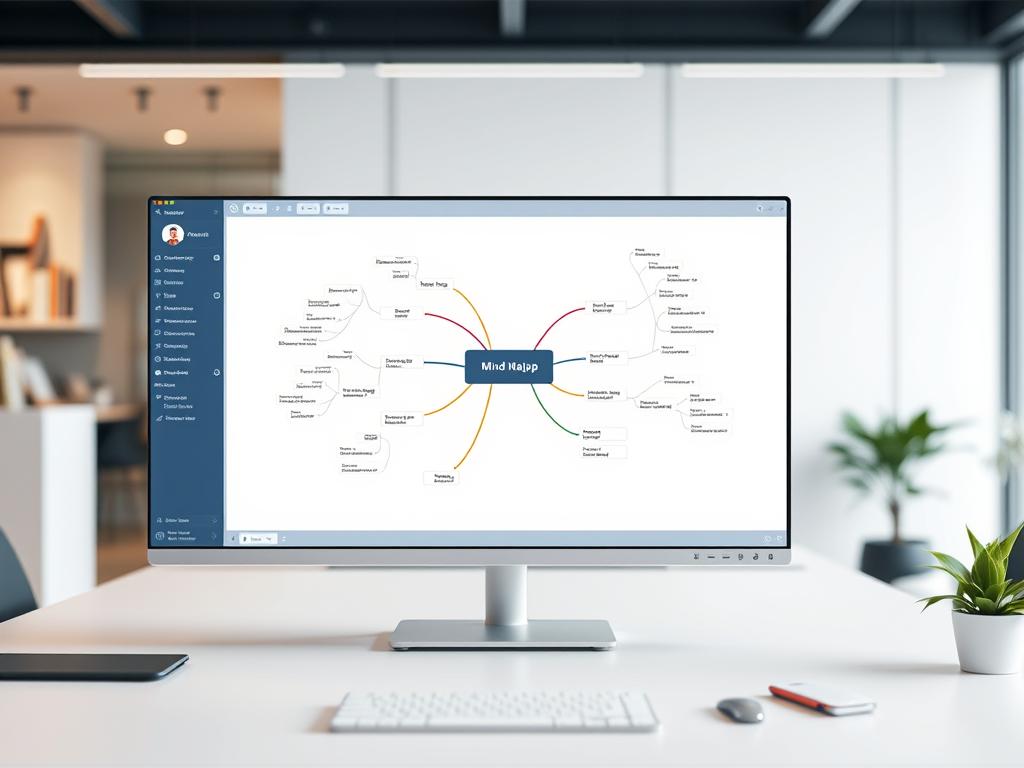
In today’s fast-paced office, innovation is key to staying ahead. Mind mapping software is a powerful tool for teams. It helps them brainstorm and organize ideas, boosting creativity.
Mind mapping uses the brain’s love for visuals. It lets users connect ideas in a natural way, unlike linear notes. The best software has features like easy topic reorganization, color-coding, and multimedia integration.
Using these tools can help teams overcome mental blocks. They can find hidden connections and come up with new solutions to complex problems.
In this article, we’ll look at the top mind mapping software. We’ll compare their features and benefits to find the best for your office. See how these tools can make your team’s brainstorming better and create a culture of innovation.
What is Mind Mapping Software?
Mind mapping software is a digital tool for organizing ideas and brainstorming. It turns traditional mind maps into an interactive experience. This sparks creativity and boosts productivity.
Definition and Purpose
Mind mapping software lets users create digital mind maps. These maps show ideas, tasks, or information in a fun way. They help see how ideas are connected and understand the big picture.
The main goal is to help with brainstorming, planning projects, and managing knowledge.
Key Features and Functions
Modern mind mapping software has many cool features:
- Customizable templates: Users can pick from many templates or make their own.
- Collaborative functionality: Many platforms let several users work on the same map at once. This helps teamwork and sharing ideas.
- Multimedia integration: Users can add images, videos, and links to make maps more interesting.
- Cross-platform compatibility: Cloud-based software lets users work on maps from any device. This makes teamwork easy and flexible.
These features change how we solve problems and manage projects. The easy-to-use software helps capture, organize, and share ideas. This leads to more innovation and productivity at work.
Benefits of Using Mind Mapping Software
Mind mapping software has many benefits. It boosts creativity, organization, and teamwork at work. It gives a visual space to explore ideas and connections. This helps people and teams think better and faster.
Enhancing Creativity and Brainstorming
Mind mapping software sparks creativity and helps in brainstorming. It offers a flexible space to explore thoughts and ideas. This way, users can find new solutions to tough problems.
Improving Organization and Clarity
It also makes organizing and understanding complex topics easier. Users can switch between big ideas and small details. This makes complex information easier to grasp and share.
Facilitating Team Collaboration
In today’s fast-paced work world, mind mapping software is key for teamwork. It lets teams work together in real-time from anywhere. This helps everyone share ideas and work together smoothly.
Using mind mapping software boosts creativity, organization, and teamwork. It helps businesses innovate and work better together. These tools empower teams to solve problems, come up with new ideas, and share clearly.
Popular Mind Mapping Software Options
In today’s fast world, mind mapping software is key for creative planning and digital whiteboarding. There are many choices, making it hard to pick the right one. Let’s look at some top mind mapping software options to help you and your team be creative.
MindMeister
MindMeister is a stylish and easy-to-use mind mapping tool. Its design makes creating beautiful mind maps simple, great for brainstorming and sharing ideas. It also has features for team work, letting teams make mind maps together in real time.
Xmind
Xmind is more than just a mind mapping tool. It has features like Gantt charts and task management for planning and doing projects. It also works well with tools like Evernote and Trello, making it useful in many work situations.
Coggle
Coggle is a simple mind mapping tool you can use in your browser. It has both free and paid versions, making it available to everyone. Its easy-to-use design lets users quickly make and share mind maps, perfect for beginners or those who want a simple tool.
Miro
Miro is a full digital whiteboarding platform with mind mapping features. It has sticky notes, diagrams, and templates for creative planning and ideas. Miro’s real-time team work and many integrations make it great for remote teams and agile work.
Comparison of Features Among Top Tools
Choosing the best mind mapping software for your team is key. Look at the main features and what each tool can do. This will help you find the perfect fit for your project mind maps and brainstorming tools needs.
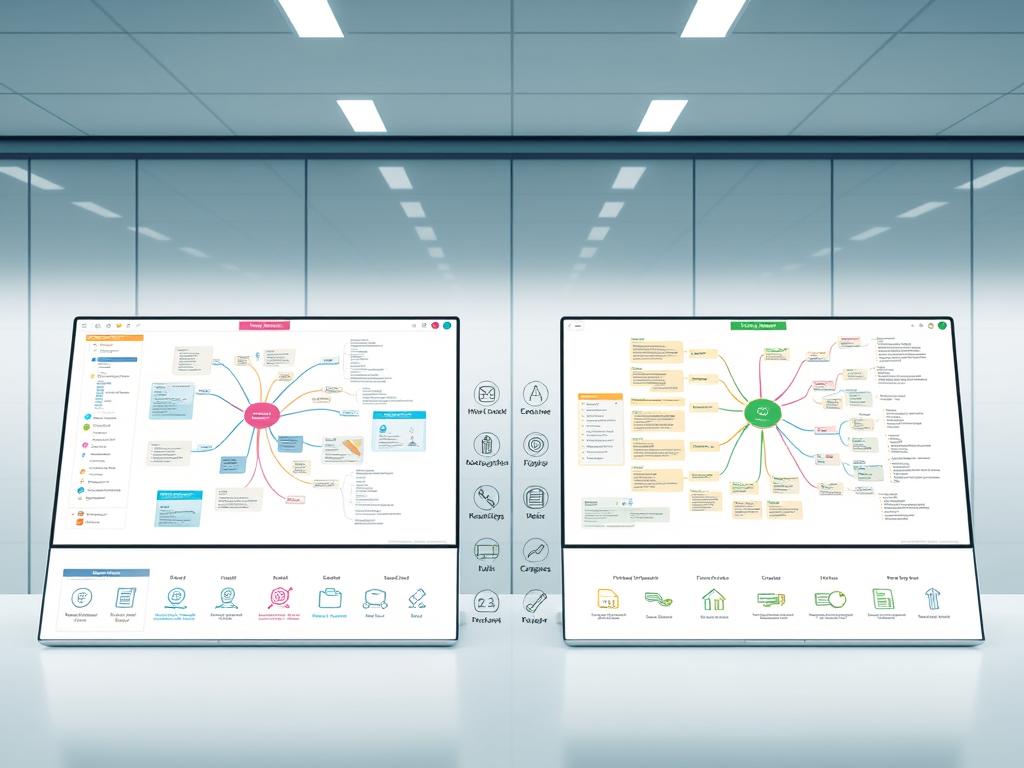
Collaboration Capabilities
Collaboration features are very important. Look for tools that let everyone work together in real time. They should have commenting and chat for easy sharing and talking.
Also, check if they have a presentation mode. This lets you show your mind maps in a meeting or discussion.
User Interface and Experience
The tool’s design and how easy it is to use matter a lot. Check if it’s easy to navigate and customize. A good tool should let you make and change mind maps fast.
Look for options to change themes and styles. This makes your mind maps look good and match your team’s style.
Integrations with Other Software
It’s great if the tool works well with other apps. See if it connects with Google Workspace and Microsoft Teams. This makes it easy to add mind maps to your work.
Also, check if it works with task management apps. This lets you turn ideas into tasks and projects easily.
By comparing these features, you can pick the best tool for your team. It will help with creativity, working together, and getting things done.
How to Choose the Right Mind Mapping Software
Choosing the right mind mapping software is key for better visual thinking and productivity. There are many options, so think about what you need before you decide.
First, decide if you’ll use it alone or with a team. Some tools are great for group work, while others are better for solo use. Also, think if you need AI help or templates to start your creative planning.
Then, look at your budget and compare prices. Think about how many users you’ll need and what features are important. Some apps are free but limited, while others cost more but offer more for businesses.
Assessing User Needs and Goals
Knowing what you need is important for picking the best tool. Think about how easy it is to use, how customizable it is, and if it works with other apps you use. If you work with remote teams, find tools that help you work together well.
Evaluating Budget and Pricing Models
Mind mapping software costs vary, from free to expensive. Figure out how much you can spend and find tools that fit your budget. Remember, a good tool can save you time and help you come up with better ideas.
Considering Scalability for Teams
If you’ll be using the software with a growing team, think about scalability. Find tools that can grow with your team and offer flexible pricing. Also, check if they offer support and training to help your team get started.
Tips for Effective Mind Mapping
Mind mapping is great for organizing ideas and boosting creativity. It’s also good for brainstorming. To get the most out of it, follow some key tips. This will help you make clear, organized, and pretty mind maps.

Structuring Ideas Logically
Start with your main idea in the middle of the map. Then, add main points and subtopics in a logical order. This keeps your ideas clear and focused.
Use lines to connect ideas and show how they relate. This makes your map easy to follow.
Utilizing Colors and Images
Add colors, images, and symbols to your map. They help organize information and make your map more fun. Use different colors for different ideas to make them easy to spot.
Images and icons can explain complex ideas in a simple way. They make your map more memorable.
Maintaining Clarity and Simplicity
Keep your map simple and easy to read. Use short words and avoid too much detail. Focus on the main idea of each point.
Check your map often and clean it up. Remove anything that’s not needed. This keeps your map organized and easy to understand.
By using these tips, you can make great mind maps. They help with brainstorming, solving problems, and making decisions. Mind maps make your ideas clear and help you work better together.
Real-World Applications of Mind Mapping
Mind mapping is more than just brainstorming. It’s a tool that helps in many areas. It makes visual thinking easier in work places. It’s great for managing projects, planning events, and teaching.
Project Management
Mind maps help break down big tasks into smaller ones. They show the project’s structure. This makes it easy for teams to know their jobs and the project’s goals.
Event Planning
Event planners have to handle many things at once. Mind maps help them plan themes, organize, and manage vendors. They keep all event info in one place, making it easier to communicate and avoid missing important details.
Educational Settings
Teachers are using mind maps more in schools. They help design lessons and organize information. Students use them to study and take notes. It makes learning easier and helps them remember more.
Integration with Other Productivity Tools
Mind mapping software can really help when used with other tools. It works well with task management apps and document software. This lets you turn your ideas into steps and make your work flow better.

Think about using digital whiteboarding for brainstorming. You can make a mind map to hold all your ideas. Then, you can easily move these ideas to apps like Trello or Asana. This makes it easy to assign tasks and track progress without typing everything out again.
Linking to Document and Presentation Software
Many mind mapping tools also connect to documents, slides, and spreadsheets. This is great for moving from idea to action in your project. By linking your mind map to Google Docs or Microsoft Office, you keep your ideas flowing smoothly.
When picking mind mapping software for your team, look at the integrations it offers. A good match with your current tools can make your team work better and be more creative.
Training and Support Resources
To get the most out of mind mapping software, it’s key to use the training and support available. These tools help users learn the software well, solve problems, and find advanced features. They make brainstorming tools and project mind maps better.
Top mind mapping tools have lots of online tutorials and webinars. They help users learn the software and how to use it best. These resources are for both new and experienced users. They offer clear steps, examples, and tips to boost productivity.
Online Tutorials and Webinars
Online tutorials and webinars let you learn at your own speed. Many providers have big knowledge bases with articles, videos, and interactive guides. They cover everything from basic use to advanced techniques for making great mind maps.
Community Forums and User Groups
Joining community forums and user groups is also great. These places let users share tips, ask questions, and show off their work. You can learn from others, find new ideas, and get inspired for your project mind maps.
Whether you like learning on your own or talking with others, using these resources is important. By spending time learning, you can improve your brainstorming tools and do better project planning and idea making.
Future Trends in Mind Mapping Software
Technology keeps getting better, and mind mapping software is no exception. It will soon have new features to help with visual thinking and digital whiteboarding. The future of mind mapping looks bright, with AI and new ways to see ideas set to change how we brainstorm and organize.
Artificial Intelligence Integration
One big change is the addition of artificial intelligence (AI). AI will bring smart suggestions, auto-layout, and predictive text. These features will help users come up with and improve ideas faster. AI will understand what you’re saying and suggest new ideas you might not think of.
Enhanced Visualization Techniques
There will also be better ways to see ideas. Look for 3D mind maps, augmented reality, and interactive dashboards. These tools will make ideas more fun and clear. They’ll help us dive deeper into our ideas and share them better.
As mind mapping software gets better, it will help teams work together more. With AI and new ways to see ideas, teams will share and organize ideas like never before. This will make work more productive and successful in the digital world.
Conclusion: Elevate Office Innovation with the Right Tools
Mind mapping software can change how offices think about innovation and creativity. By picking the right brainstorming tools, your team can come up with new ideas and work together better. These apps help teams see ideas, find connections, and grow concepts in a fun and quick way.
Choosing the right mind mapping software is key. Look at what your team needs, your budget, and what technology you have. Think about how easy it is to use, how well it works with other tools, and if it helps your team work together. This way, you’ll pick the best tool for your team and make sure it works well.
Using mind mapping software can really help your team brainstorm, plan projects, and work better together. By using these tools well, you can create a place where creativity and new ideas are encouraged. Try it out and see how it can help your team come up with amazing ideas.