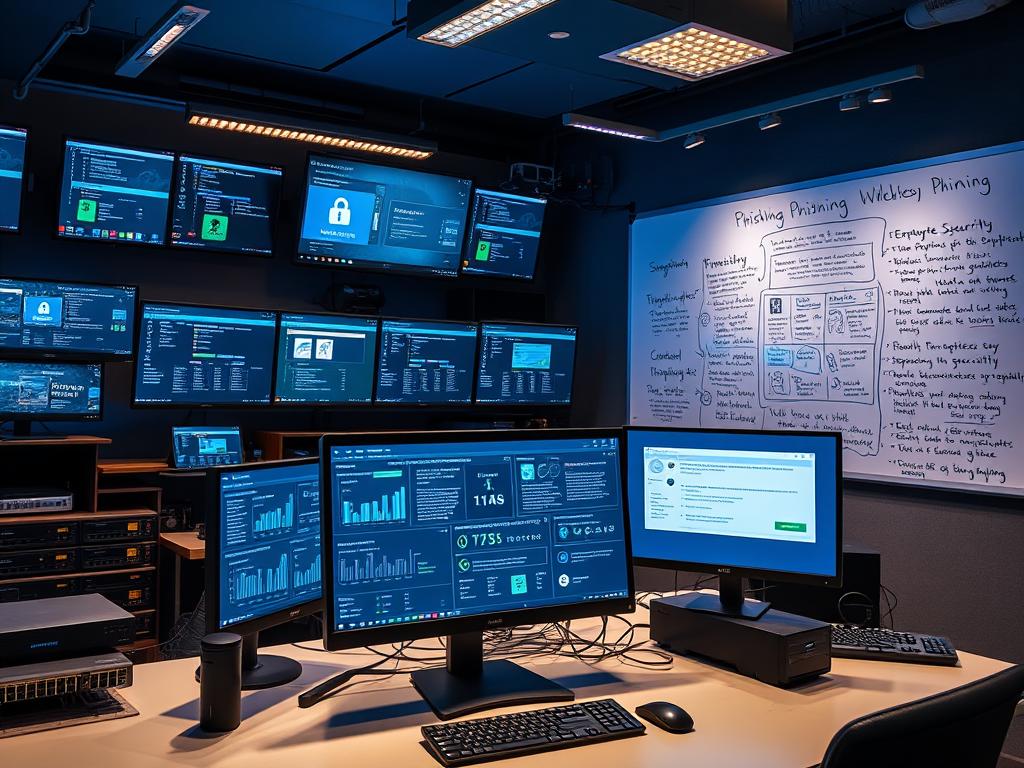
In today’s world, phishing attacks are a big threat to businesses. Cyber criminals are getting smarter, making it key to train employees to spot and stop these fake emails. Phishing simulation tools are a strong way to improve email security and protect your company.
Imagine feeling safe knowing your team can spot and report phishing emails. With regular training using anti-phishing software and test tools, your team can become cyber heroes. These simulations give real-world practice, helping your staff face spear phishing threats confidently.
Choosing the right phishing simulation software makes training easier and lets you see where your team needs help. With automated tests and detailed reports, you can find weak spots and see how your team is improving. This helps you make smart choices and strengthen your cybersecurity.
In the next parts, we’ll look closer at phishing simulation tools. We’ll talk about their main features, compare top tools, and help you pick the best one for your business. Let’s start this journey to make your employees and business safer from phishing attacks.
Understanding Phishing and Its Risks
In today’s world, online threats are a big worry for everyone. Phishing is a major threat that tricks people into sharing secrets or getting malware. Knowing about phishing risks and types helps keep you and your business safe.
What is Phishing?
Phishing uses fake emails, messages, or websites to trick people. It looks like it’s from a real source. The goal is to get sensitive info like passwords or financial details. It works by playing on fear and trust.
Types of Phishing Attacks
There are many phishing attacks, each targeting different people or groups. Here are a few:
- Spear Phishing: These attacks are very specific, using personal info to seem real.
- Whaling: Targets high-level people to get company secrets.
- Smishing: Uses texts to trick people into giving out info or clicking bad links.
The Impact of Phishing on Businesses
Phishing can really hurt a business. It can lead to data breaches, losing customer and company info. This can harm a company’s reputation and cost a lot of money.
Businesses need to protect themselves with good cybersecurity. This includes training employees and using strong systems to catch threats. Knowing about phishing and teaching employees can help keep a business safe.
Importance of Phishing Simulation Tools
Phishing simulation tools are key to better cybersecurity. They give employees real-life phishing tests. This helps them learn to spot and handle threats.
Enhancing Employee Awareness
These tools teach employees about cybercriminal tactics. By practicing with fake phishing emails, they learn to spot danger signs. This makes them more alert and less likely to fall for phishing.
Measuring Vulnerability
Phishing tests also show where an organization is weak. They track how employees react to fake emails. This helps focus training on areas that need it most.
Boosting Overall Cybersecurity Posture
Regular phishing tests make a company’s security stronger. They keep employees on their toes and ready for threats. This reduces the chance of data loss and damage to reputation.
Getting phishing simulation tools is a wise move for better security. They help employees fight off phishing attacks. This is a big step in keeping data safe.
Key Features of Effective Phishing Simulation Tools
When picking a phishing simulation tool, focus on key features. Look for tools that offer realistic scenarios, detailed reports, and easy LMS integration. These features help make your cybersecurity training better.
Realistic Scenarios
Realistic phishing scenarios are vital. They should look like real attacks. This helps employees learn to spot and handle real threats.
Good tools let you customize scenarios. You can change the email look, sender info, and where it goes. This makes training fit your company’s needs.

Reporting and Analytics Capabilities
Good reporting and analytics are key. They show how well your training is working. Look for tools that give detailed insights on how employees do.
These insights include how many click on emails and how fast they report them. This helps you see where you need to improve. Advanced analytics can also compare your performance to others in your field.
Integration with Learning Management Systems
Easy LMS integration is important. It lets you add phishing tests to your training program. This makes tracking and managing training easier.
It also lets you send targeted training based on how well employees do in phishing tests. This makes sure everyone gets the training they need.
Leading Phishing Simulation Tools in the Market
Today, companies use advanced phishing tools to train their employees. These tools offer real-life scenarios, detailed reports, and fit well with learning systems. Let’s look at some top phishing tools out there.
KnowBe4
The KnowBe4 tool is a full security training and phishing simulator. It has many customizable scenarios for different threats. It also tracks employee progress and shows where they need to get better.
Cofense PhishMe
The Cofense PhishMe platform is known for its deep training. It has many phishing templates that look like real attacks. It also gives detailed reports to see how well training works and who’s at risk.
Barracuda PhishLine
Barracuda PhishLine is a strong tool for simulations and analytics. It lets companies make specific training for certain groups. It also shows how much risk is reduced and the value of training.
Using these top phishing tools, companies can teach their employees to spot and handle phishing attacks. These tools offer real scenarios, detailed reports, and easy-to-use interfaces. They are key for any strong cybersecurity training.
Comparing Pricing Models for Phishing Simulations
When looking at phishing simulation tools for your company, it’s key to know the pricing models. The right pricing can help you get the most from your tool. It also ensures your team gets the best cybersecurity training.
Subscription-Based vs. One-Time Fees
Many providers offer subscription pricing. Costs depend on user numbers and features. This model grows with your company.
Some vendors have one-time fees for perpetual licenses. This might be better for small businesses or those with steady user counts.
Exploring Free Trials and Demos
Try out free trials and demos before choosing a tool. They let you see how the tool works in your setting. This helps you pick the best tool for your needs and budget.
Assessing Value for Money
When looking at prices, think about the long-term benefits. Some tools might cost more upfront but offer more features and reports. They also fit better with your systems.
Choosing the right pricing depends on your budget, team size, and training needs. Look at plans, fees, trials, and long-term value. This way, you find a solution that boosts your team’s security and saves money.
Customization Options in Phishing Simulation Tools
Customization is key for effective cybersecurity training. Leading phishing simulation tools offer many options to fit your organization’s needs. You can create scenarios that mirror real-world threats with customizable templates.
For global organizations, multilingual phishing simulations are vital. A diverse workforce needs training in their native language. Top tools provide templates in many languages, helping to engage and educate all team members.
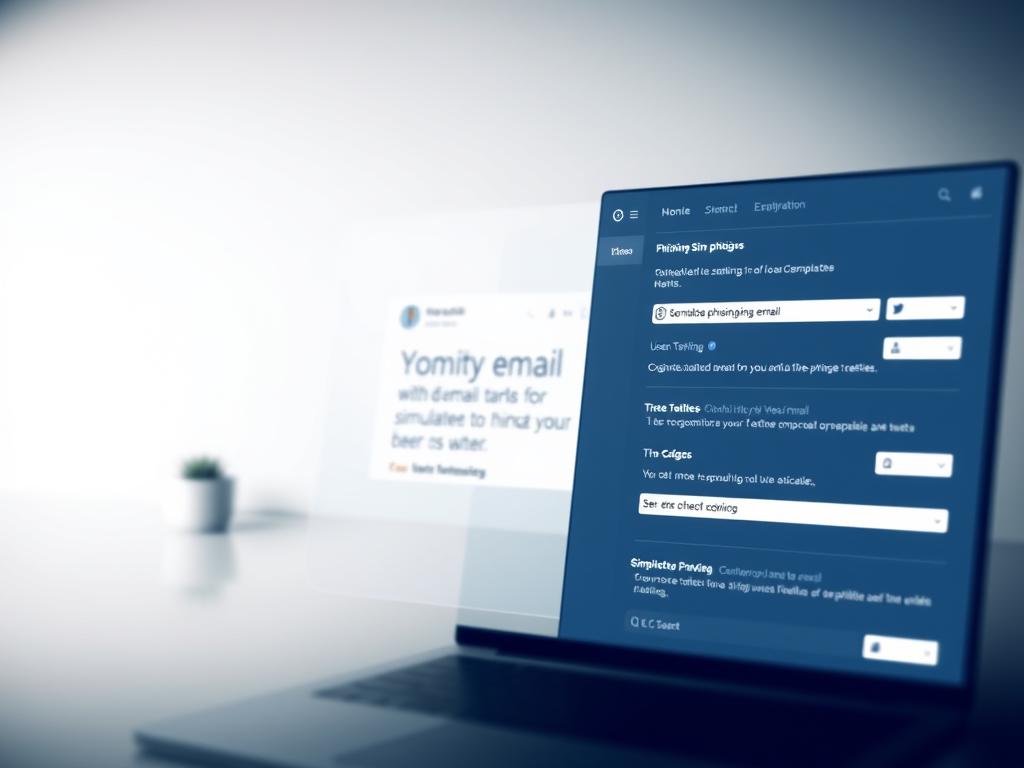
The user experience is also critical. An easy-to-use phishing simulation UX is essential for success. Look for tools with user-friendly interfaces. This way, your team can focus on learning, not struggling with software.
Tailoring Scenarios to Fit Organizations
Every organization faces unique cybersecurity challenges. Effective tools let you tailor scenarios to these challenges. For example, healthcare may focus on PHI, while finance targets sensitive financial data.
The Role of Reporting and Analytics
Phishing simulation tools do more than send mock emails. They give insights through reporting and analytics. This helps understand how well employees know about phishing and how they improve over time.
Security teams can see who is most at risk with phishing simulation reporting. They can then make training better. This way, training is more focused and effective.
Tracking Employee Responses
Tracking how employees react to phishing emails is key. It looks at open rates, click rates, and reporting rates. This shows if training is working and where it needs to get better.
Identifying Trends Over Time
Looking at phishing trends is very important. Data from many simulations helps spot patterns. This helps improve training and security.
If one department keeps falling for phishing, they might need more training. Spotting these trends early helps fix problems before they get worse.
Utilizing Data for Ongoing Training
Use what you learn from phishing reports to improve training. This makes training better over time. It keeps employees up to date with the latest security needs.
This way, training is more effective. It helps build a strong security culture in the company. Tools like IronScales Starter help with this by giving detailed reports and analytics.
Integrating Phishing Simulations into Training Programs
Phishing simulations are key in a good cybersecurity training plan. They should be mixed with topics like password safety, social engineering, and data protection. This mix helps employees fight many cyber threats.
Setting up regular phishing drills is important. Doing these drills monthly or every quarter keeps employees alert. It also lets them practice in a safe way.
Here are some top tools to add to your training:
- Infosec IQ: Offers security training, phishing tests, and more. It has a big library updated weekly.
- Gophish: Easy to install, supports many platforms, and shows results right away.
- Social-Engineer Toolkit (SET): Makes social engineering attacks easy. It’s open-source and easy to use.
- ThriveDX Lucy: Has tools for attacks, customizable training, and a dashboard for reports.
- uPhish: Quick to set up, has realistic templates, and offers detailed reports.
Measuring Training Effectiveness
Organizations need to check if their training works. They should look at how many click on phishing tests and how many report emails. This helps find where to improve training.
Legal and Compliance Considerations
When using phishing simulation tools for training, companies must watch the legal and compliance rules. Issues like phishing simulation legal problems and privacy in tests are key. They need careful handling to keep the training smooth and legal.
Understanding Consent and Privacy Issues
Getting employee consent for phishing tests is a big legal issue. It’s important to tell employees clearly why and how their data will be used. Companies must follow laws like GDPR in the EU to keep trust with their workers.

Aligning with Regulatory Requirements
Companies in different fields face specific rules for training and phishing tests. For example, healthcare must follow HIPAA for training on handling patient data. Banks and financial groups need to meet FINRA guidelines for their phishing programs.
Documenting Training for Compliance Audits
To pass audits, companies need to keep detailed records of their training. This includes who took the training, how well they did, and what they learned. This shows the company’s effort in keeping data safe and following rules.
Handling the legal side of phishing simulation tools needs careful planning. By understanding consent, following rules, and keeping records, companies can make sure their training is legal and effective.
Word count: 296
Common Challenges with Phishing Simulations
Phishing simulations help improve employee cybersecurity awareness. But, they come with challenges. To overcome these, planning, communication, and support from management and tech teams are key.
One big challenge is getting employees to participate. Some might feel trapped or not trusted. It’s important to explain the tests’ purpose and benefits clearly.
Emphasize that these tests are to help everyone, not to blame anyone. This way, employees understand they’re part of a bigger effort to keep the company safe.
Balancing Realism and Ethics
Creating tests that feel real but are ethical is another challenge. Tests should mimic real threats but not stress employees out. Working with experienced vendors is essential.
They can help make tests that are both real and considerate of employee feelings. This balance is important for a successful simulation.
Technical Support and Troubleshooting
Technical problems can also pop up during simulations. These issues can mess up the training and make it less effective. It’s important to have reliable technical support.
Choose vendors that offer quick help when needed. A dedicated support team can fix problems fast. This keeps the simulation running smoothly for everyone.
By tackling these challenges, organizations can make phishing simulations work. This leads to better cybersecurity awareness among employees.
Future Trends in Phishing Simulation Tools
Phishing simulation tools are getting better to fight off new threats. They use new tech and smart strategies. This helps train employees and protect companies.
AI and Machine Learning Enhancements
AI and machine learning are big deals in phishing tools now. They make fake emails that look real and feel personal. These tools learn from data and get better over time.
Evolving Threat Landscapes
Cybercriminals are getting smarter, so tools must too. They need to handle new tricks like AI emails and deepfakes. This way, companies can stay safe and avoid big problems.
Gamification and Engagement Strategies
Tools are making learning fun with games and rewards. This makes people want to learn more and do better. It’s a fun way to teach about staying safe online.
Keeping up with new tools is key for companies. Using AI, staying alert to threats, and making learning fun helps. This way, employees can fight off tricky phishing attacks.
Choosing the Right Phishing Simulation Tool for Your Organization
There are many phishing simulation tools out there. It’s important to pick the right one for your company. First, think about what your company needs. Look at how big your team is, the threats in your industry, and any rules you must follow.
These things will help you find the best tool for your goals and challenges.
Assessing Organizational Needs
When looking at phishing simulation software, think about your IT team’s skills. Also, consider how easy the tool is to use. Choose a tool that lets you customize simulations for your company’s risks and training goals.
Make sure the tool can grow with your company too.
Contract Terms and Support Services
When comparing phishing tool vendors, look at their prices and contracts. Some charge a subscription, others a one-time fee. Pick what fits your budget and security plans.
Also, ask about customer support. Good support can help your program succeed.
Recommendations for Decision-Making
Get advice from experts and people who have used these tools. Read reviews and case studies to learn from others. Try demos or free trials to see how tools work in real life.
By carefully choosing a phishing simulation tool, you can boost your company’s security.